


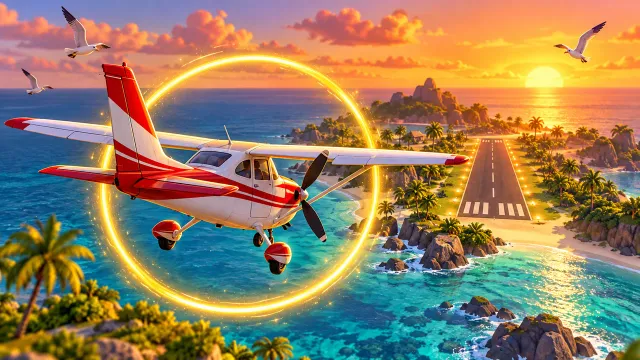
About Toon Hero: Superhero Game
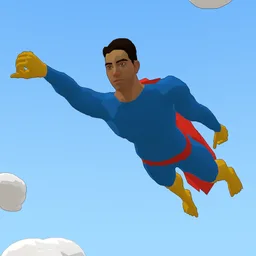
Be the city's cartoon superhero
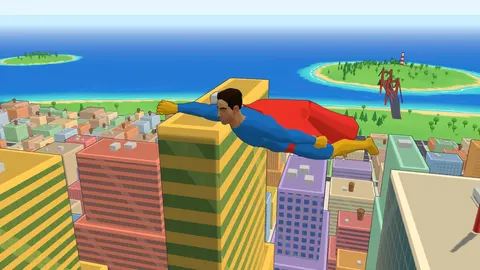
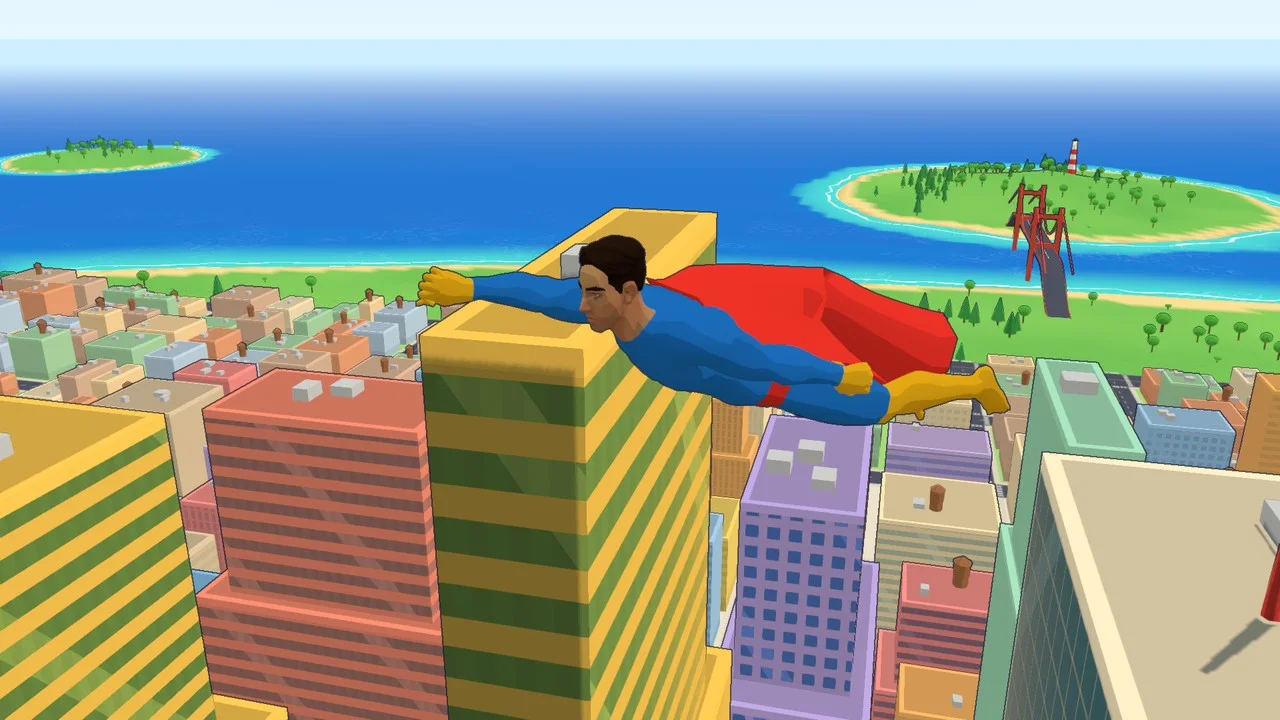
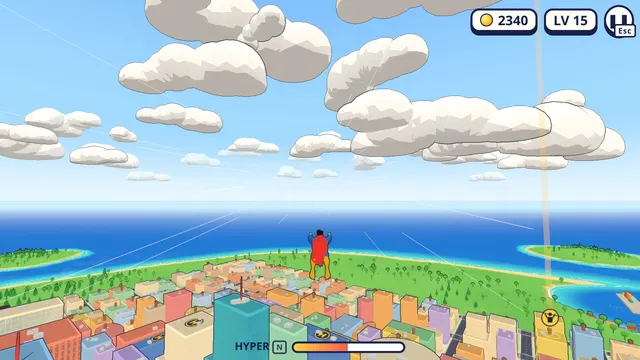
Toon Hero drops you into a bright cartoon city with skyscrapers, a hospital with a rooftop helipad, a long bridge to Lighthouse Island and a harbour full of cranes and containers. Fly anywhere you like. Coloured beams on the map show where someone needs help, and flying close to a beam starts that mission.
Six kinds of missions
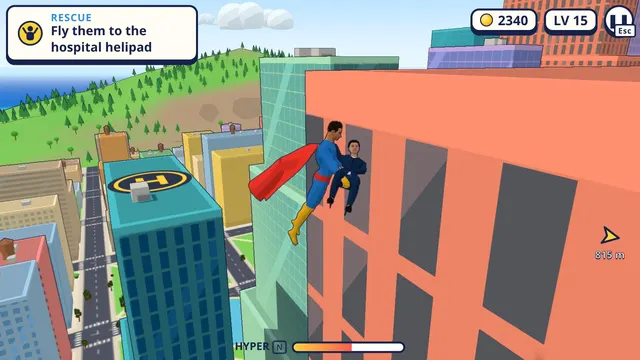
- Rescue: a citizen is about to fall from a rooftop. Catch them in the air, then fly them to the hospital helipad.
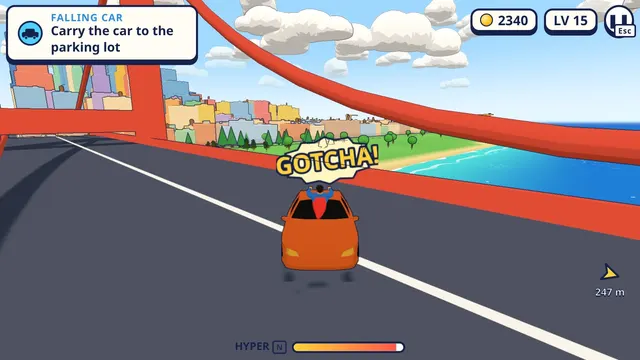
- Falling car: a car swerves off the bridge. Catch it before it hits the water and carry it to the parking lot on Lighthouse Island.
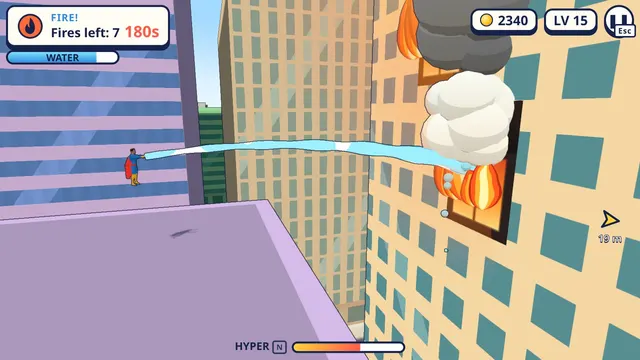
- Fire: skim the sea to fill your water tank, then hover next to each burning window to spray it out.
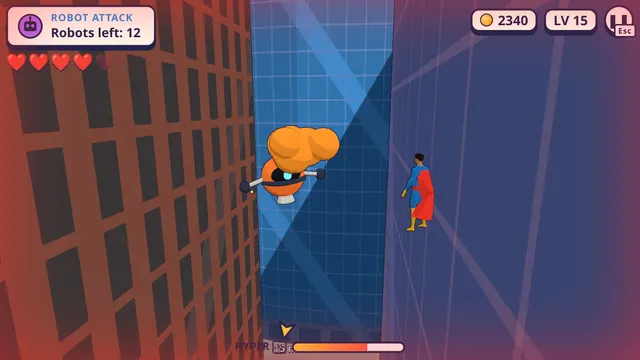
- Robot attack: a swarm of robot drones takes over the sky. Dash into them and punch them down.
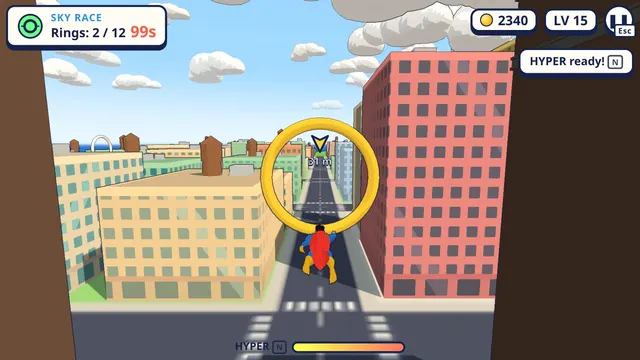
- Sky race: fly through every ring between the towers before the time runs out.
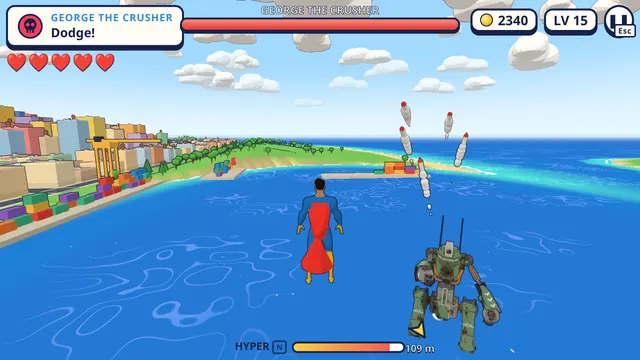
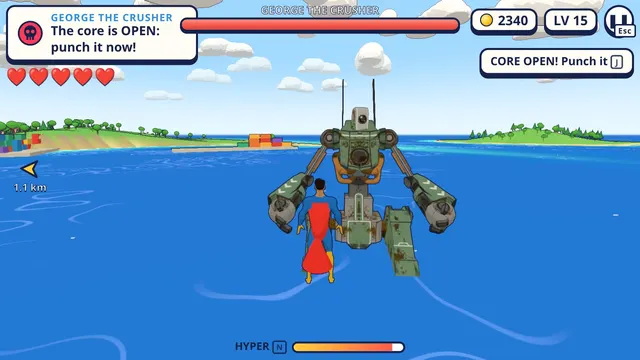
- Boss: a giant mech stomps into the harbour. Dodge its attacks, wait for its core to open and punch it.
Four giant mech bosses
George the Crusher, Leela the Stomper, Mike the Mega and Stan the Destroyer each arrive when you reach a new level, and each one is tougher and faster than the last.
Level up your hero
Every mission gives up to 3 stars, coins and XP. Spend coins on 5 upgrades (Speed, Hyper, Strength, Armor and Water tank) and on 10 suits, from the Classic blue and red to the Shadow and Golden suits you unlock at higher levels.
How to play
- Press Play. Your hero starts on a rooftop helipad in the middle of the city.
- Steer with A and D, dive with W and climb with S. Hold Shift to boost.
- Fly to a coloured beam to start its mission. Press T to fly toward the selected target and M to open the map.
- Press Space to hover in place. While hovering, Q and E take you straight down and up.
- Catch falling people and cars by flying right next to them, then carry them to the drop-off beam. Press G to put them down.
- Punch robots and bosses with J or a left click. Press N for Hyper speed when the bar is full.
- Finish missions fast for 3 stars, then spend your coins on upgrades and suits in the Hero screen (H).
- On a phone, turn it sideways: steer with the stick on the left and use BOOST, PUNCH, HYPER, HOVER, LAND and the ▲ ▼ buttons.
Controls
Tips & tricks
- Falling citizens slow down when you get close, so dive straight at them.
- To catch a car, fly above it and hold Q to drop straight down onto it.
- For fires, fill your tank by skimming low over the sea, then press Space next to a fire to hover: the hero sprays it on his own.
- A boss's core only takes damage when it opens. Keep your distance and dodge its missiles until then.
- Upgrade Water tank before long fire missions and Armor before the later bosses.
- Turn mission beacons off in Settings if you just want to fly around the city.
Screenshots
FAQ
Is Toon Hero: Superhero Game free to play?
Yes. Toon Hero is free to play in your browser on SalutGames, with no download and no account needed.
What kind of game is Toon Hero?
Toon Hero is a 3D cartoon superhero flying game. You fly over a seaside city and complete missions: rescues, falling cars, fires, robot attacks, sky races and giant mech boss fights.
How many missions and bosses are in Toon Hero?
Toon Hero has six mission types that keep coming back across the city, and four mech bosses: George the Crusher, Leela the Stomper, Mike the Mega and Stan the Destroyer.
Can I change my superhero's suit?
Yes. Toon Hero has 10 suits you buy with coins in the Hero screen, including Shadow and Golden suits that unlock at higher levels. You can also buy Speed, Hyper, Strength, Armor and Water tank upgrades.
Can I just fly around without missions?
Yes. Turn off mission beacons in Settings to fly freely over the city, the bridge and the islands.
Can I play Toon Hero on a phone or Chromebook?
Yes. Toon Hero runs in the browser on a PC or Chromebook with keyboard and mouse, and on a phone held sideways with touch controls.
Does Toon Hero save my progress?
Yes. Toon Hero saves your level, coins, stars, upgrades, suits and settings automatically in this browser on this device.