
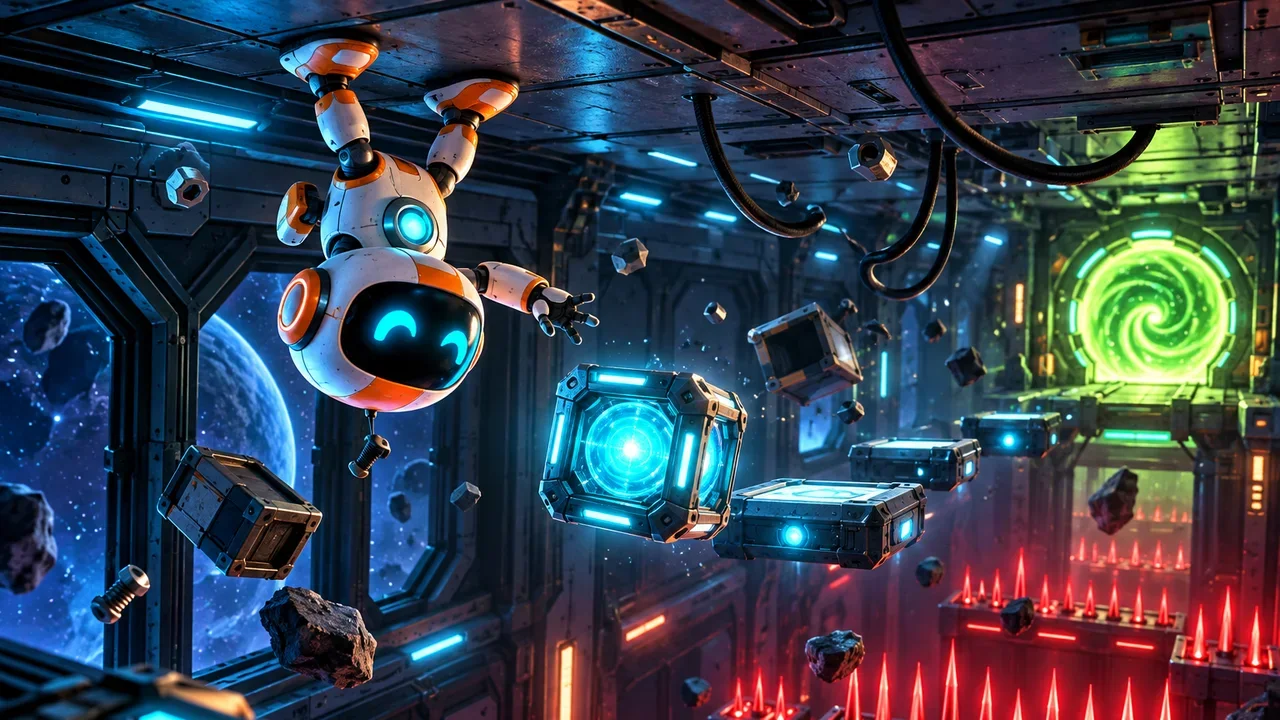
About Gravibot
Something has gone wrong on the station, and one small robot is the only thing still moving. Gravibot is a puzzle platformer built around a single idea: you can't jump, but you can flip gravity. Floors become ceilings, falls become climbs, and every room turns into a small puzzle about when to flip.
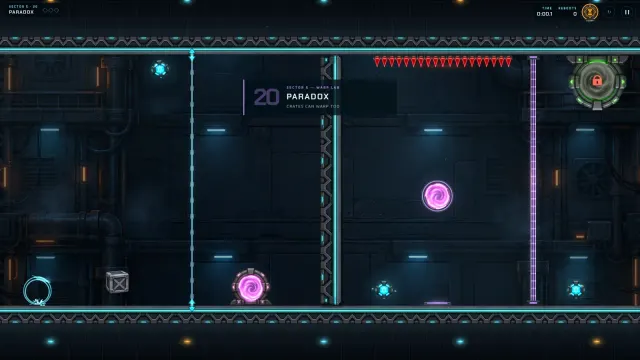
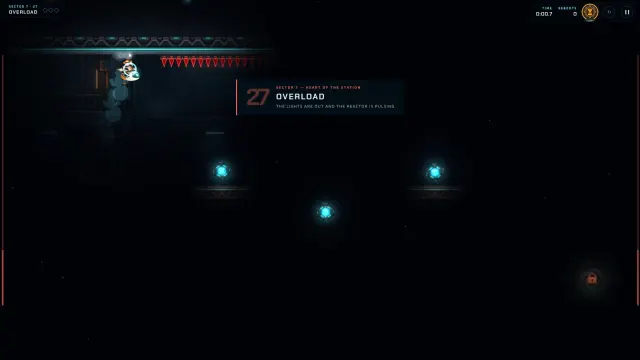
The station is split into 7 sectors and 28 rooms. Each room adds a new trick or combines two you already know — timed lasers that warn you before they fire, lifts that can carry you (or crush you), crates that fall with gravity and block laser beams, conveyor belts, pressure plates that hold doors open, warp gates that keep your speed, and crumbling platforms that break a moment after you land. Late sectors turn the lights off and let only your visor show the way, and the finale puts an escape timer on the clock.
Rooms are short, so Gravibot is a great fit for a quick break: clear one or two rooms, and your progress is saved for next time.
How to play
- Move left and right along the surface you're standing on.
- Flip gravity to fall "up" to the ceiling — or back down again. You can only flip while standing on something, so plan each flip before you leave the ground.
- Collect every energy core in the room. The exit portal opens once they are all collected.
- Reach the exit without touching spikes, lasers or falling into the void.
Each room awards up to three stars: one for clearing it, one for beating the par time, and one for finishing without a reboot or using the chrono brake.
Controls
Tips & tricks
- Flip early, not late. There is a short grace period after you walk off an edge, and a flip pressed just before you land is remembered — use both to chain flips smoothly.
- Watch the lasers blink. Timed lasers always warn you before they fire. Count the rhythm once, then move.
- Crates are tools. A crate falls with gravity too. Park one in a laser beam or on a pressure plate to keep a door open.
- Use the chrono brake (hold Shift or C) to slow time to 40% for about two seconds when a gap is tight. It recharges when you let go — but finishing without it earns the third star.
- Stuck? Reboot a room three times and the pause menu offers a ghost guide that replays a working route alongside you.
Screenshots
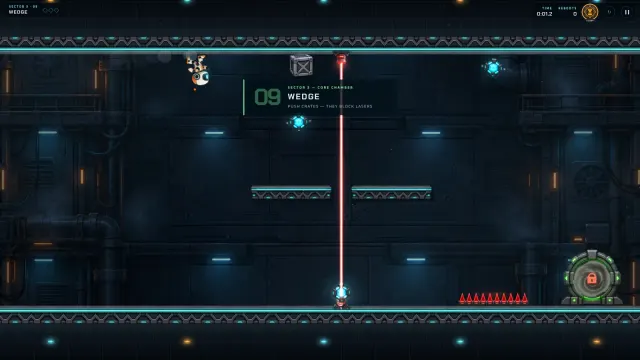
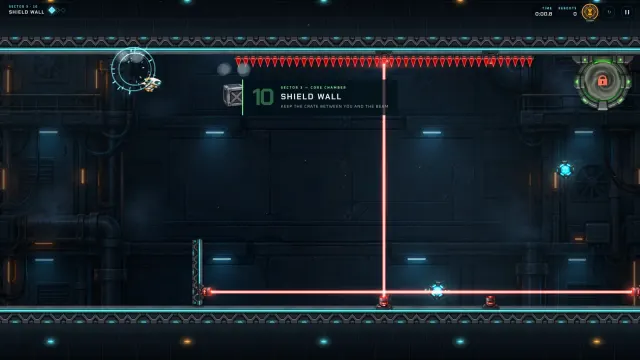
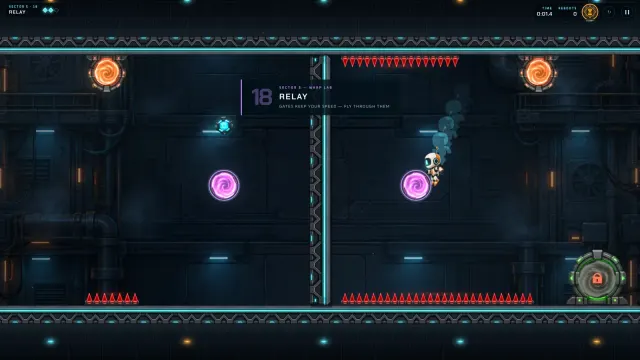
FAQ
Is Gravibot free to play?
Yes. Gravibot is completely free to play in your browser on SalutGames, with no download and no account needed.
Can I play Gravibot on a school Chromebook?
Yes. Gravibot is a small, fast web game that runs smoothly on Chromebooks, laptops, desktops, tablets and phones.
Does Gravibot save my progress?
Yes. Your unlocked rooms, stars, best times and settings are saved automatically in your browser on the device you play on.
How do I get three stars in a room?
Clear the room, beat its par time, and finish without rebooting or using the chrono brake.
I'm stuck on a room. What can I do?
After three reboots in the same room, open the pause menu and turn on the ghost guide. It replays a route that is known to work, in step with your attempt.
Can I play with a controller?
Yes. Gravibot supports gamepads: move with the stick or D-pad, flip with the face buttons and hold a shoulder button for the chrono brake.