Games for Chromebook
Light, fast browser games that run smoothly on any Chromebook, at school or at home.
 Trap Castle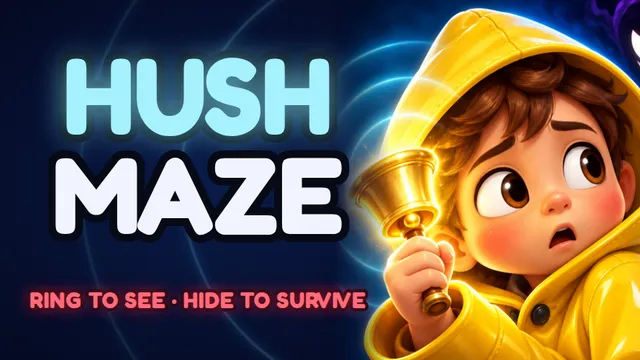
 Last-Second Landing
 Rondo
Rondo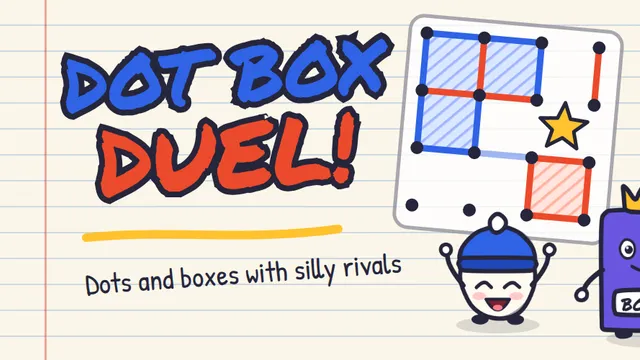 Dot Box Duel
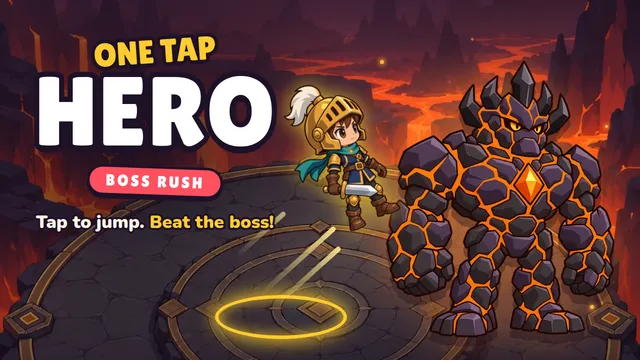 One Tap Hero
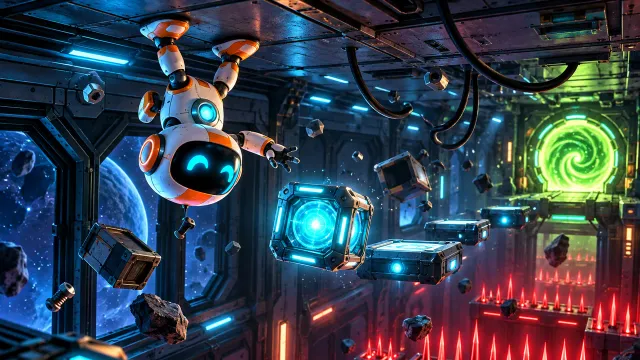 Gravibot
 Skyhook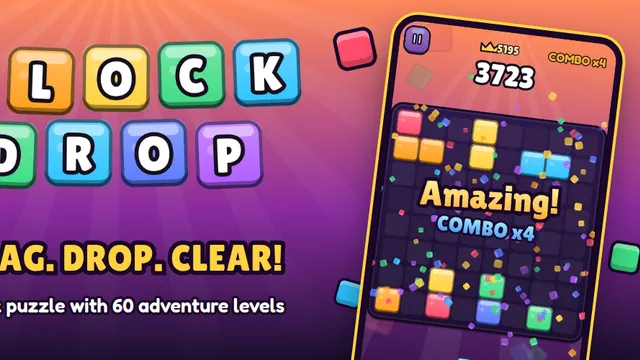
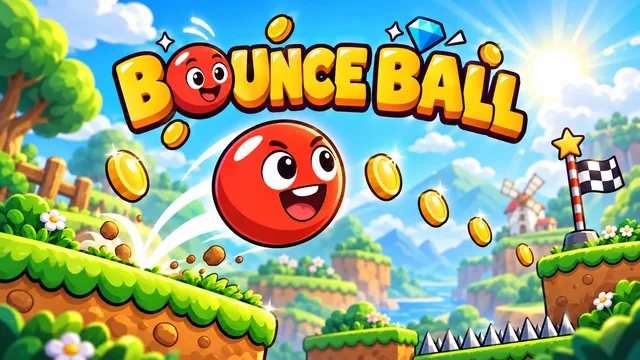
 Lightkeeper
 Tap Burst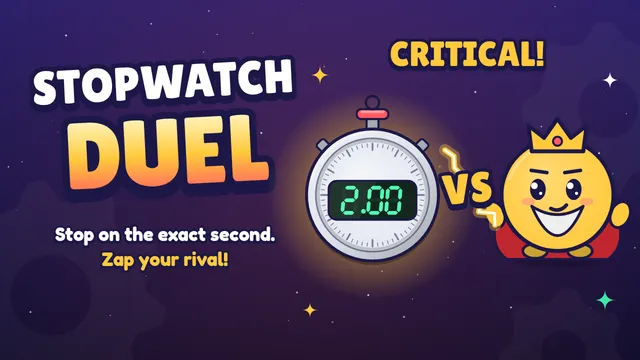
Free games for Chromebook
Chromebooks are made for the web, and so are these games. Every game on this page runs in the Chrome browser: no download, no Play Store, no extension and no account. Open a game, press play, and it starts in a few seconds.
They're built to stay smooth on school Chromebooks and older laptops, and your stars and best times are saved in the browser, so they're still there the next time you open the same Chromebook.
Not sure where to start? The 10 best Chromebook games compares them by what each one is best for, how long a round takes and which keys it uses.
Puzzle games for Chromebook
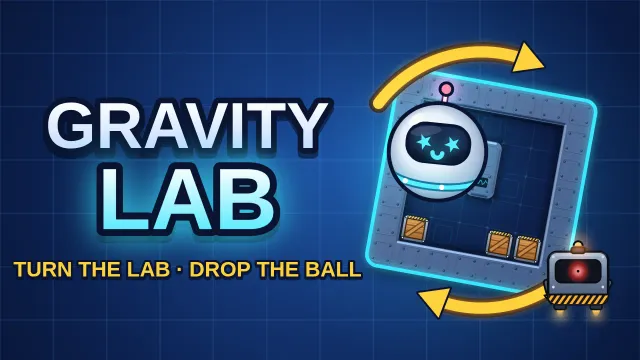
- Gravity Lab: you don't move the ball, you turn the room. Every move rotates the lab 90° and everything falls to the new "down". 60 labs in three wings, each ending with a boss you crush with falling crates.
- Block Drop: a block puzzle on an 8x8 board. Drag three blocks at a time, fill rows and columns to clear them, and keep a combo going.
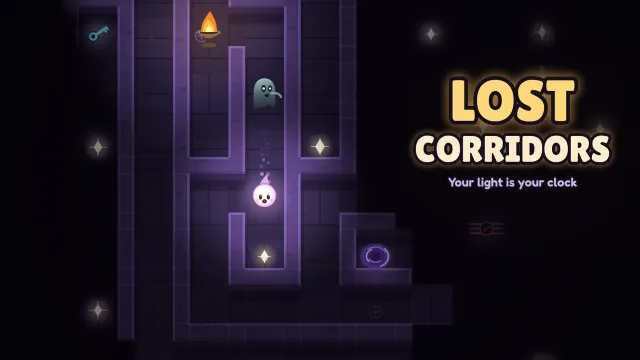
- Lost Corridors: a maze where your light is your clock. Glide through the dark and reach the exit before the light runs out.
- Silent Maze: a horror maze you can't see. Ring the bell and an echo lights up the walls, but the creatures hear every ring.
- Dot Box Duel: dots and boxes with a notebook look, against the computer or a friend sharing the same Chromebook.
More in puzzle games.
Platformer games for Chromebook
- Gravibot: flip gravity to guide a small robot through 28 rooms of a space station.
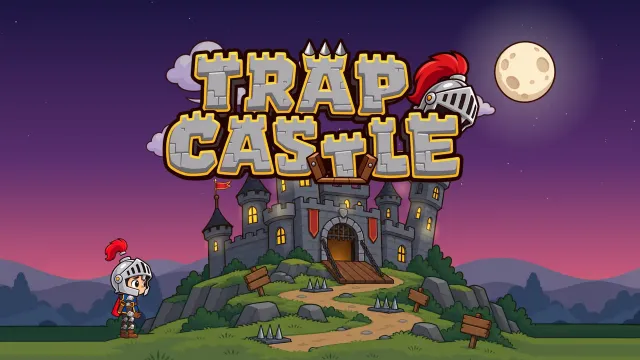
- Trap Castle: 32 trap rooms where floors lie and doors run away, with a boss at the end of each castle wing.
More in puzzle platformer games.
One-button games for Chromebook
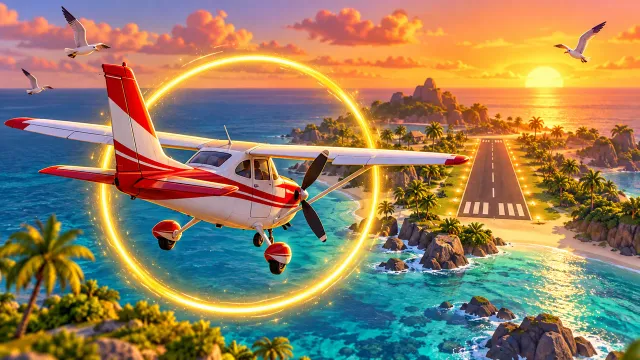
- Last-Second Landing: your engine is dead. Tap in rhythm to glide your plane onto the runway.
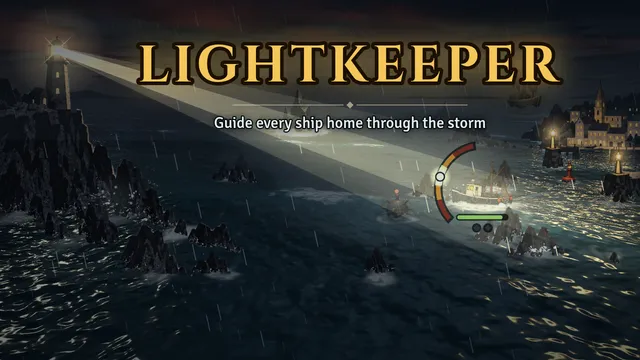
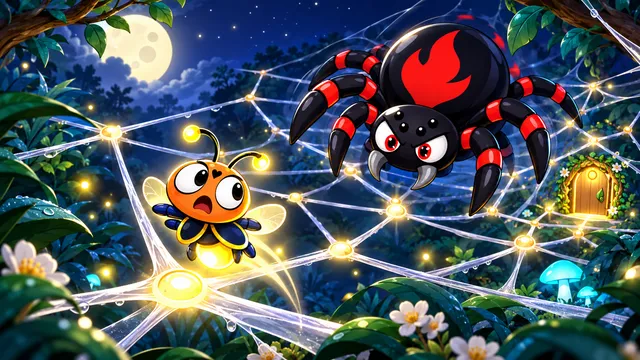
- Lightkeeper: guide ships past the rocks from a lighthouse on a stormy night.
- Skyhook: swing from anchor to anchor and release at the right moment to climb into orbit.
- One Tap Hero: a boss rush with one button. Jump, charge up and strike.
- Tap Burst: tap or click as fast as you can to pop your rival's balloon.
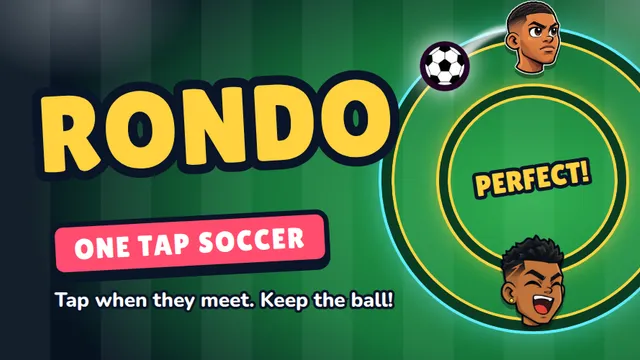
- Rondo: a one-tap football timing game. Tap when your player meets the ball.
More in one-button games.
Full screen on a Chromebook
Every game has a Fullscreen button under the game window. You can also press the full-screen key in the top row of your Chromebook keyboard, the one that looks like a rectangle with corners. Press it again to go back.
Games for Chromebook at school
These games are ordinary web pages, so they work on school Chromebooks as long as your school allows salutgames.net. There's nothing to install and no account to create, and most rounds take one to three minutes, so you can finish one in a short break and pick up the next one later.
Keyboard, touchscreen or gamepad
The platformers use the arrow keys or A and D to move and Space to jump or flip gravity. The one-button games work with Space, a mouse click or a tap. If your Chromebook has a touchscreen, every game also plays with touch. The full list is in controls for every game, and which games run well on a Chromebook explains what keeps them smooth on low-end laptops.
Questions
Do I need to install anything? No. Every game runs in the Chrome browser. There's nothing to download and no app or extension to add.
Are these games free? Yes, all of them are free to play.
How do I play full screen on a Chromebook? Press the Fullscreen button under the game, or the full-screen key in the top row of the keyboard. Press it again to leave full screen.
Do these games work on a school Chromebook? Yes, if your school allows the site. They run in the browser like any other web page, with no download and no sign-up.
Will my progress be saved? Yes, on the Chromebook you played on. Your stars and best times are kept in the browser, so clearing your browsing data will reset them.