Keyboard, Mouse, Touch or Gamepad: Controls for Every Game on SalutGames

Every game on SalutGames can be played with a mouse or a touch screen. Eleven of the thirteen can also be played from the keyboard, and two read a gamepad. The table below comes from the game files themselves, checked on 14 October 2026, so it matches what each game actually listens for. Tall games are made for a phone held upright, wide ones for a phone turned sideways.
| Game | Screen | Keys | Gamepad |
|---|---|---|---|
| Block Drop | tall | Esc | no |
| Dot Box Duel | tall | Esc | no |
| Gravibot | wide | full | yes |
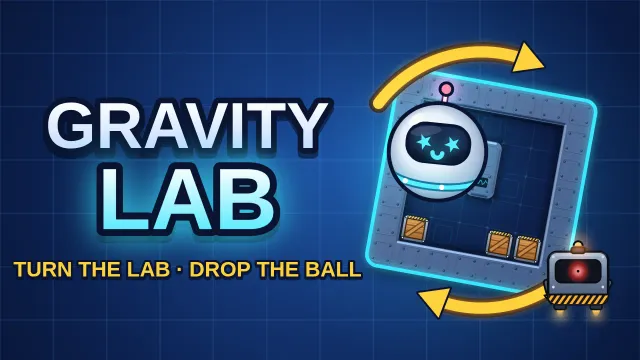
| Gravity Lab | tall | full | no |
| Last-Second Landing | wide | full | no |
| Lightkeeper | wide | full | no |
| Lost Corridors | tall | full | no |
| One Tap Hero | tall | full | no |
| Rondo | tall | full | no |
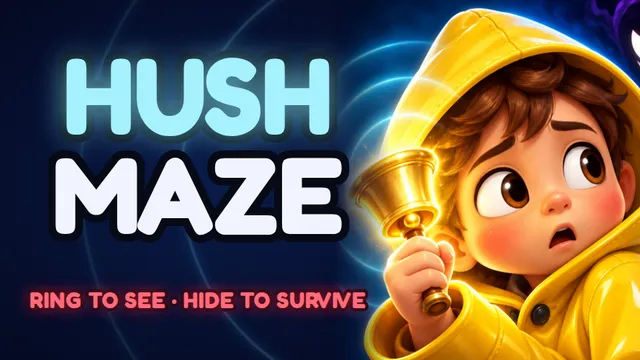
| Silent Maze | tall | full | no |
| Skyhook | tall | full | no |
| Tap Burst | tall | Space | no |
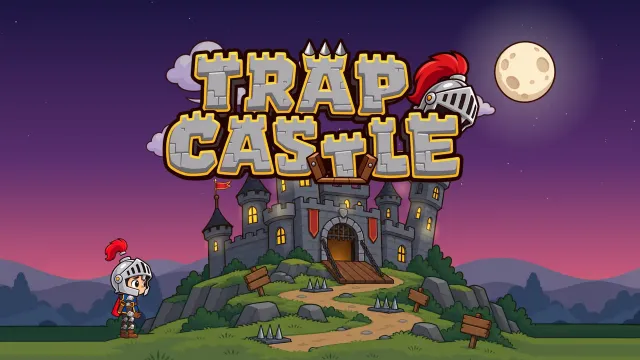
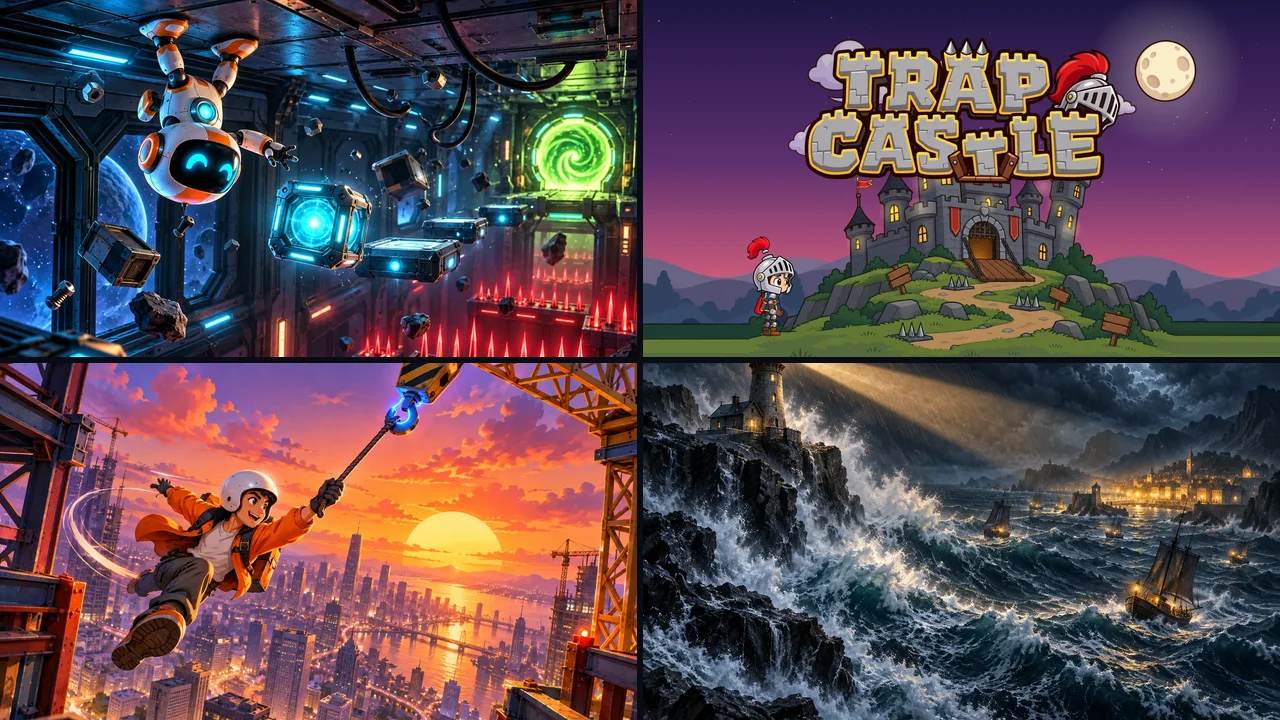
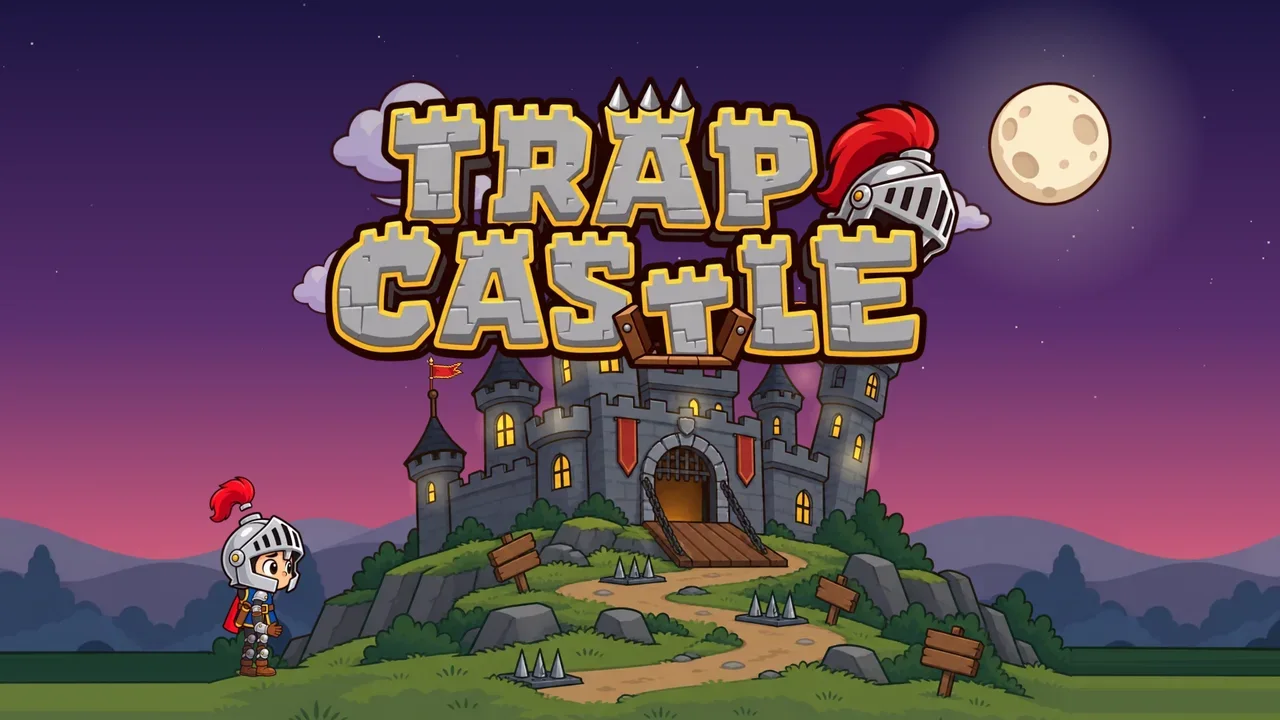
| Trap Castle | wide | full | yes |
Block Drop and Dot Box Duel are built around dragging and tapping on the board itself, so the keyboard only handles the back button. Tap Burst is a tapping race, and the Space bar counts as a tap.
One input, any key
In the one-button games the action has several keys, so whichever is under the hand works:
- Skyhook: Space or Enter releases. R retries, Esc or P pauses.
- One Tap Hero: Space, Enter or the up arrow jumps.
- Last-Second Landing: Space or Enter boosts. R retries, M opens the missions, and the arrows move around the mission map.
- Lightkeeper: Space or Enter sends a signal.
- Rondo: Space or Enter plays the ball. When the skill meter is full, Enter fires the skill.
On a touch screen these games don't ask for a precise target. A tap anywhere that isn't a button counts as the action, so a thumb can rest wherever is comfortable.
Games with more to do
Gravibot. A and D or the left and right arrows walk. Space, W, S, J, K or the up and down arrows flip gravity. Holding Shift or C applies the chrono brake. R restarts, Esc or P pauses, F switches to fullscreen and M mutes.
Trap Castle. A and D or the arrows move. Space, the up arrow, W, Z or K jumps, and R restarts the room.
Gravity Lab. The left arrow or A rotates the lab one way, and the right arrow or D rotates it the other. Z, U or Backspace undoes a move, R restarts, H asks for a hint, and Esc or P pauses.
Silent Maze. Space sends a ring, E hides, Q switches aiming, and X stops the kid. Esc or P pauses.
Lost Corridors. The arrows or W, A, S and D send Lumi in a direction, the same as a swipe. A key pressed while Lumi is still gliding is held for 0.8 seconds and used at the next junction.
Touch controls in the platformers
Gravibot and Trap Castle need movement and an action at the same time, so on phones and tablets they show on-screen controls. Gravibot puts them on a deck under the room, where thumbs can't cover the part of the level that matters. Trap Castle shows left and right buttons on one side and jump on the other.
Connecting a gamepad
Gravibot and Trap Castle both read controllers through the browser's Gamepad API. One step trips people up: a controller that is already plugged in when the page opens stays invisible to the page until a button is pressed or a stick is moved. MDN's documentation notes that Firefox goes further, exposing a gamepad only after the user interacts with it while the page is visible, to stop gamepads being used to fingerprint visitors. Pressing any button once after the game opens is enough.
In both games the left stick or the D-pad moves. In Gravibot any of the four face buttons flips gravity, and any shoulder button or trigger holds the chrono brake. In Trap Castle the bottom two face buttons jump.
Sources
- MDN, Using the Gamepad API
- SalutGames: the live files of all 13 games, checked on 14 October 2026