Best Chromebook Games in 2026: 10 Free Games That Run in a Browser Tab

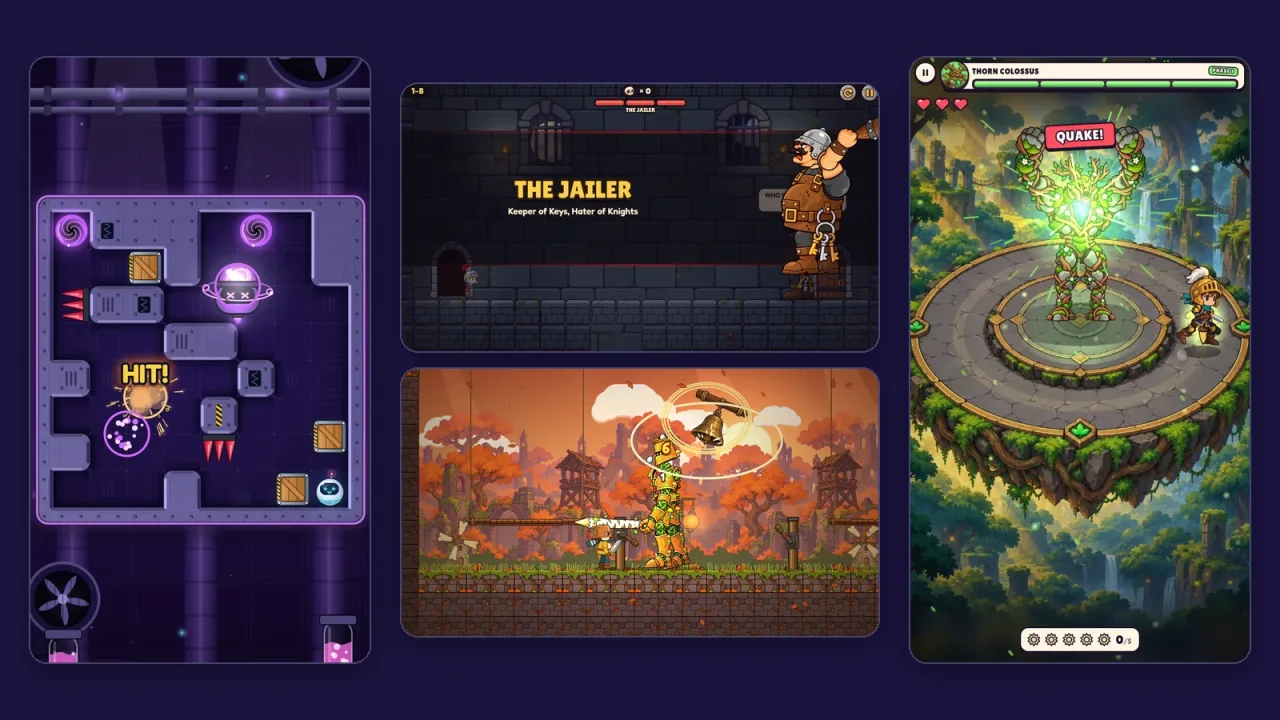
A Chromebook is built around the browser, so the games that suit it best are the ones that need nothing else: no download, no Play Store and no account. The ten below all run in a Chrome tab on any Chromebook. They are all SalutGames games, and this list sorts them by what each one is best for, with the details that matter on a laptop: the keys, the length of a round, and whether the trackpad alone is enough.
What makes a good Chromebook game
- It runs in the browser. School and family Chromebooks often can't install apps, and a game that opens in a tab doesn't need to.
- It plays with what the Chromebook has. That means the keyboard and the trackpad. None of the ten needs a touchscreen, and on touchscreen models touch works too.
- Its rounds fit a break. Every game here is played in rounds, rooms or levels of a few minutes or less.
- It saves on its own. Stars and progress are kept in the browser on that Chromebook, with no account.
The 10 best Chromebook games at a glance
| # | Game | Best for | Round | Controls |
|---|---|---|---|---|
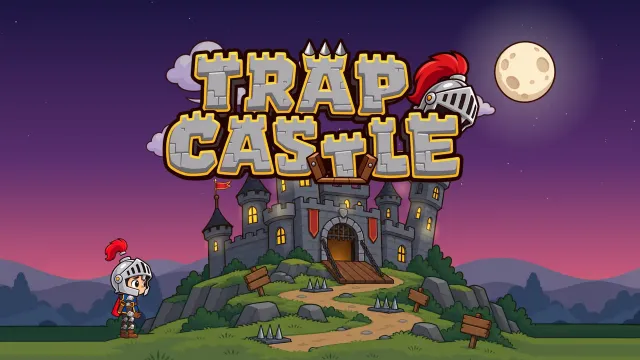
| 1 | Trap Castle | a platformer full of tricks | 1–2 min rooms | arrow keys, Space |
| 2 | Tiny Knight | a long adventure with bosses | 15 stages | arrow keys, Space, X, C |
| 3 | One Tap Hero | one button only | about a minute per fight | Space or click |
| 4 | Gravity Lab | a puzzle with no rush | 1–3 min labs | ← and → |
| 5 | Block Drop | playing with just the trackpad | 1–5 min | click and drag |
| 6 | Spider Maze 2 | turn-based strategy | 2–5 min puzzles | click |
| 7 | Gravibot | puzzles with quick reflexes | 1–3 min rooms | arrow keys, Space |
| 8 | Bounce Ball | lots of levels | 2–5 min levels | arrow keys, Space |
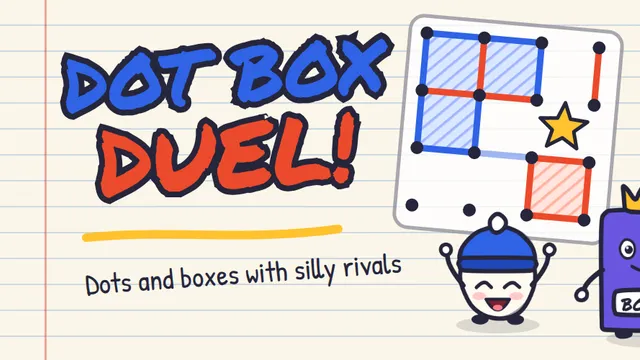
| 9 | Dot Box Duel | two players on one Chromebook | 2–5 min duels | click |
| 10 | Tap Burst | the shortest break | 5–30 s races | click |
1. Trap Castle
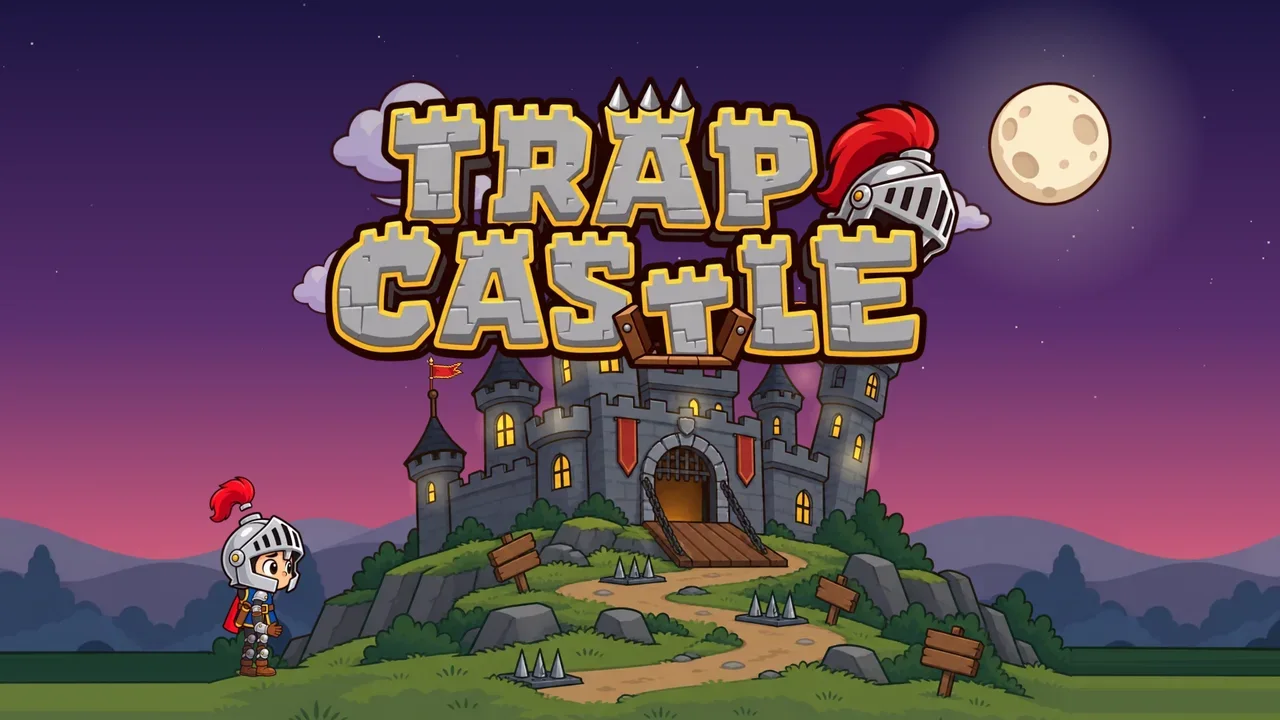
A puzzle platformer where every floor is a liar. A small knight walks into a castle where floors collapse, doors run away and treasure chests have teeth. There are 32 rooms in four wings, the Dungeon, the Armory, the Library of Illusions and the Throne Tower, and each wing ends with a boss: the Jailer, the Iron Golem, the Grand Mimic and the Architect.
On a Chromebook: arrow keys or A and D to move, Space to jump, and R restarts the room. Rooms are short and restarts are instant, and a crown marks every room cleared without a single death. A gamepad works too, and Trap Castle is also on Google Play. The Trap Castle guide covers the traps and bosses.
2. Tiny Knight
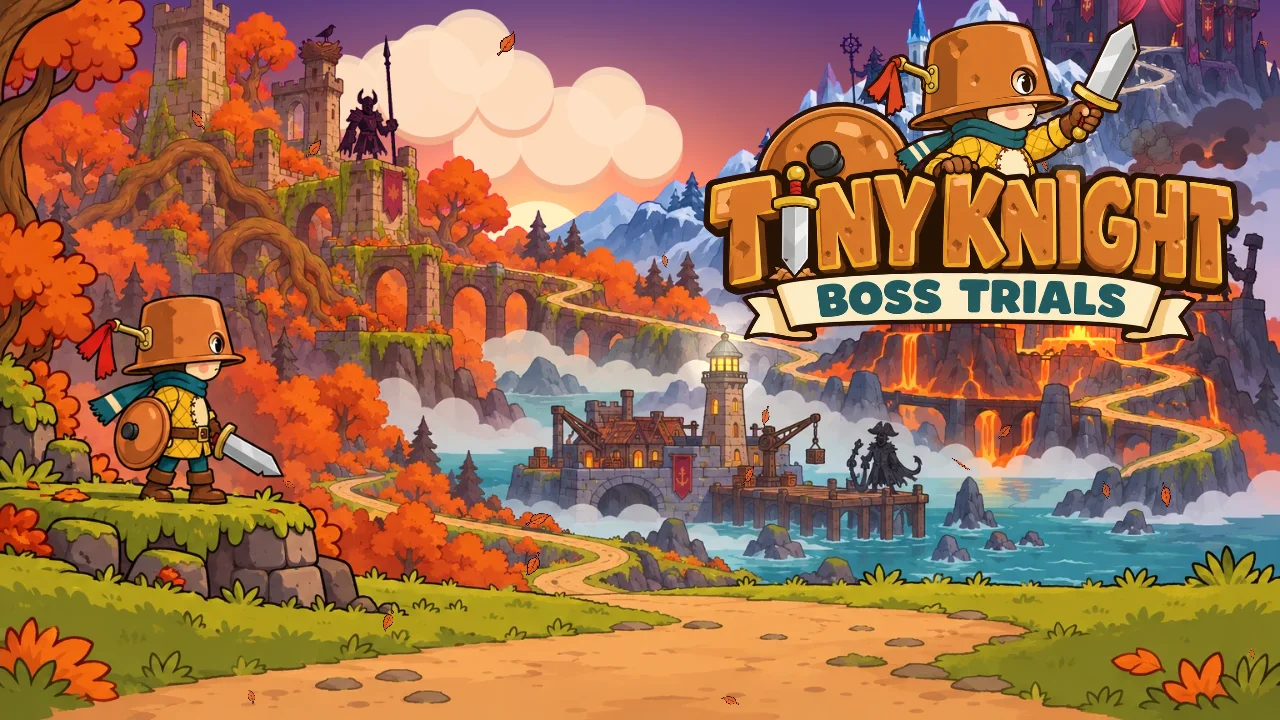
Tiny Knight wears a cooking pot as a helmet and has five giant bosses between him and the end of his kingdom. Fifteen stages across five kingdoms lead to bosses with three phases each, from Sir Hollowmoss to the Puppet King, and every boss arena has a trap that does double damage when you drop it on the boss. It is the biggest adventure on this list, with 45 hidden gems to find and a Boss Trials mode for replaying any beaten boss for your best time.
On a Chromebook: arrow keys to move, Space or ↑ to jump (hold it to jump higher), X to swing the sword and C or Shift to roll. It is played on a wide screen, so it fills a laptop display.
3. One Tap Hero
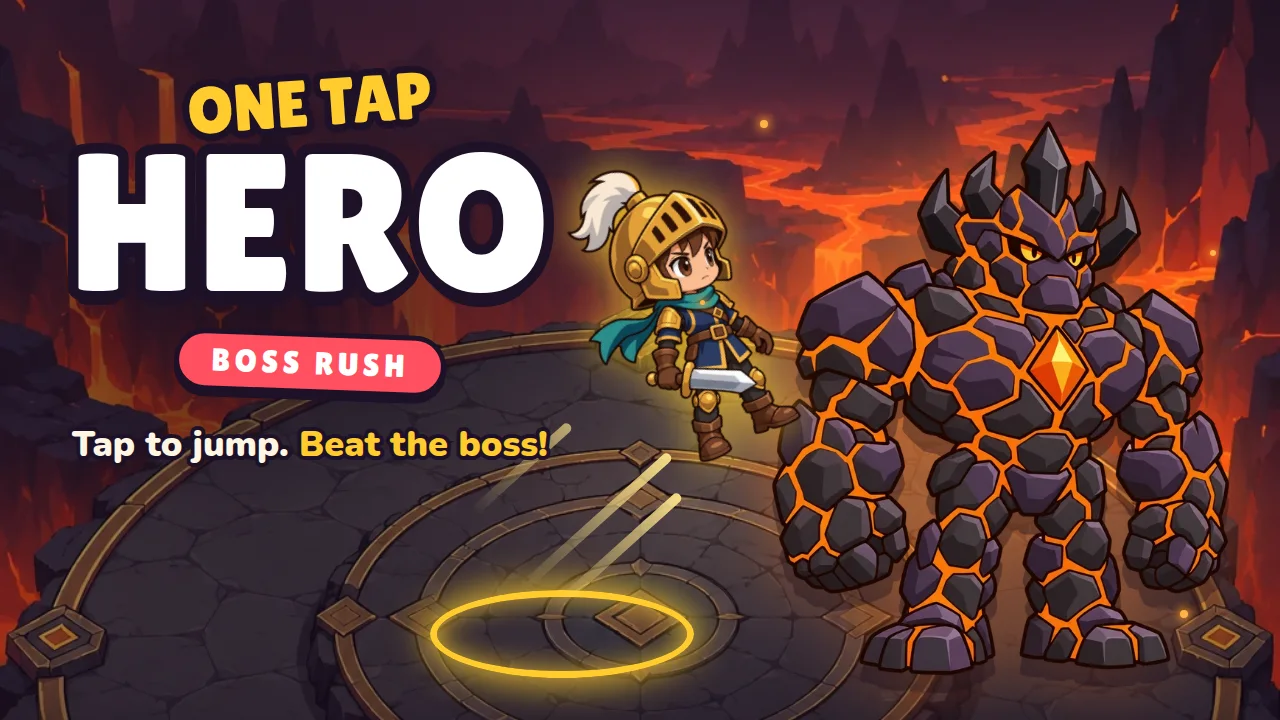
Five giant bosses, four heroes and exactly one button. The hero runs around a round arena on their own, and every press means one thing: jump. Each boss attacks in its own element, from the Inferno King's rings of fire to the Void Warden, who throws everything at once. Fights have three phases that get faster, and there are Classic, Blitz and One Heart modes.
On a Chromebook: Space or a click. A fight lasts about a minute, which makes it one of the easiest games here to fit between two other things. The boss guide covers every attack.
4. Gravity Lab
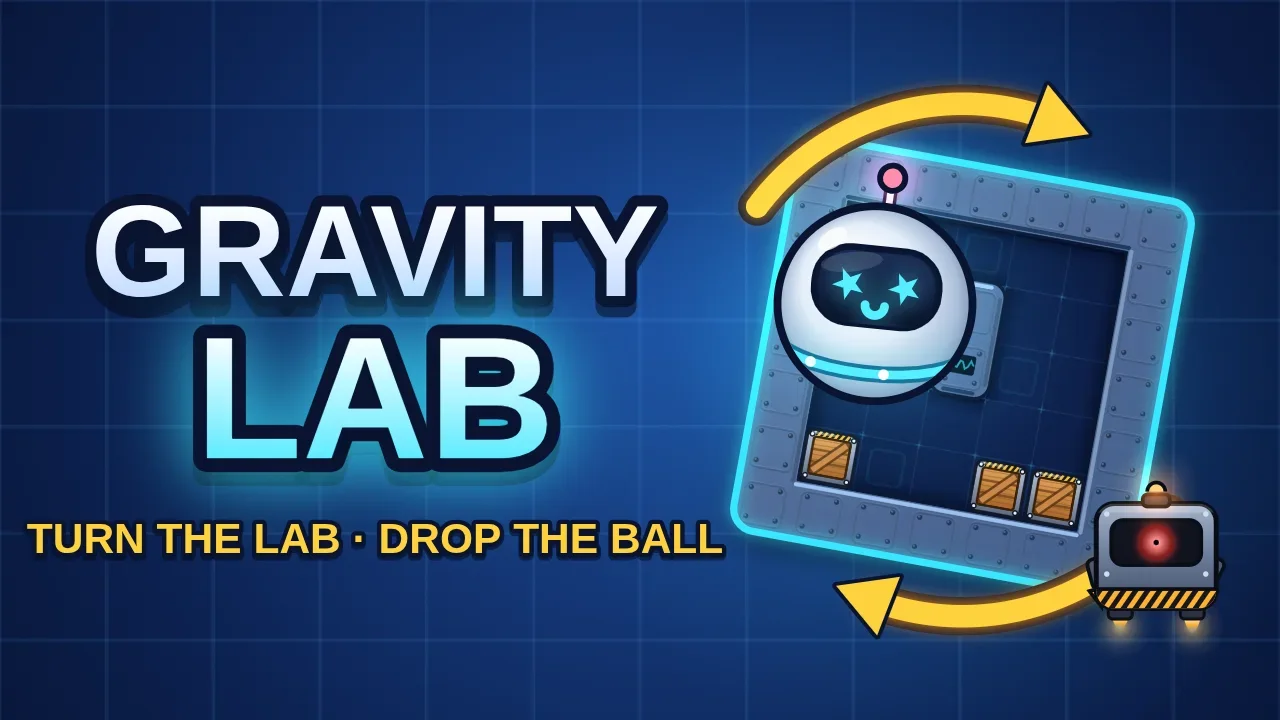
You don't move the ball, you turn the room. Every move rotates the whole lab 90 degrees, and Orbi the robot ball and every crate fall to the new floor. There are 60 labs in three wings, each ending with a boss you beat by dropping crates on it. Every lab has a par, the shortest solution found by a solver, and matching it earns three stars.
On a Chromebook: ← and → (or A and D) turn the lab, Z undoes a move, R restarts and H shows a hint. Stars depend on the number of moves, not on speed, so there is no rush. The Gravity Lab guide explains the wings and bosses.
5. Block Drop
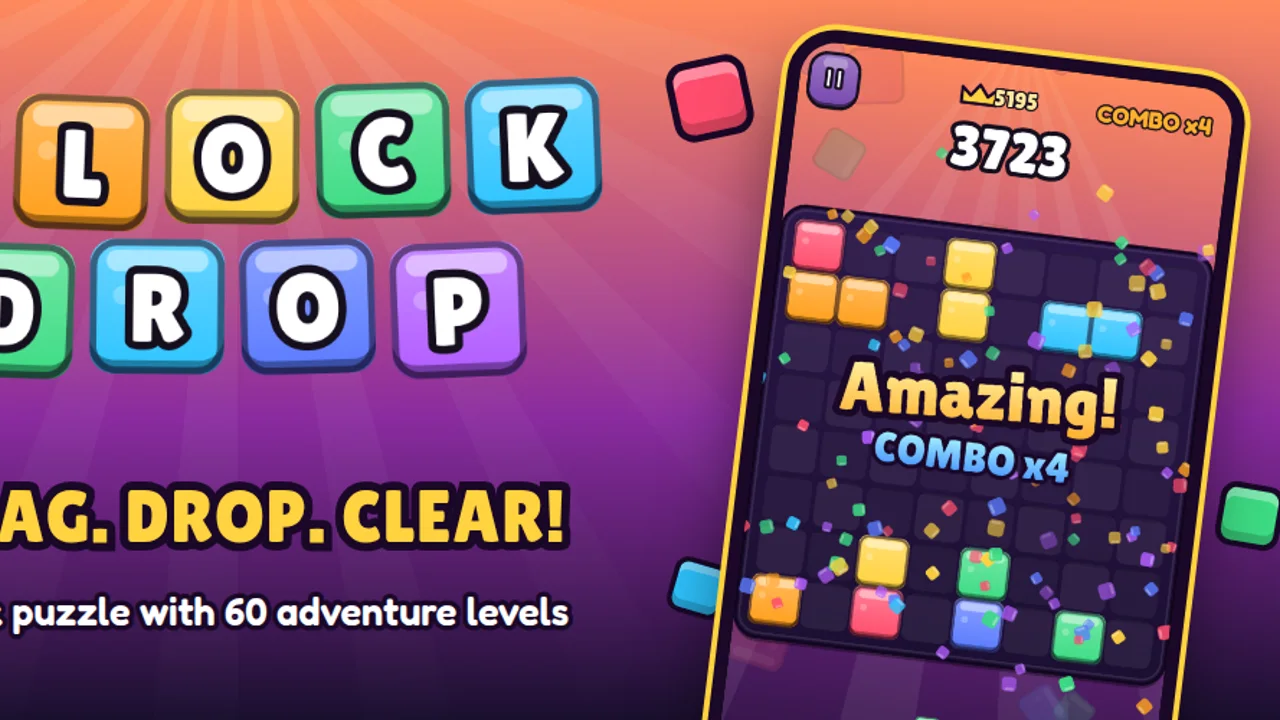
A block puzzle on an 8x8 board. You get three blocks at a time, drag them onto the board, and any full row or column clears. Blocks don't rotate, and the lines a block would clear light up while you drag it, so every drop is a small decision. Classic is endless and saves as you go, and Adventure has 60 levels in five chapters, from Candy Town to Star Station.
On a Chromebook: click and drag, nothing else, so the trackpad is all it needs. Esc pauses.
6. Spider Maze 2
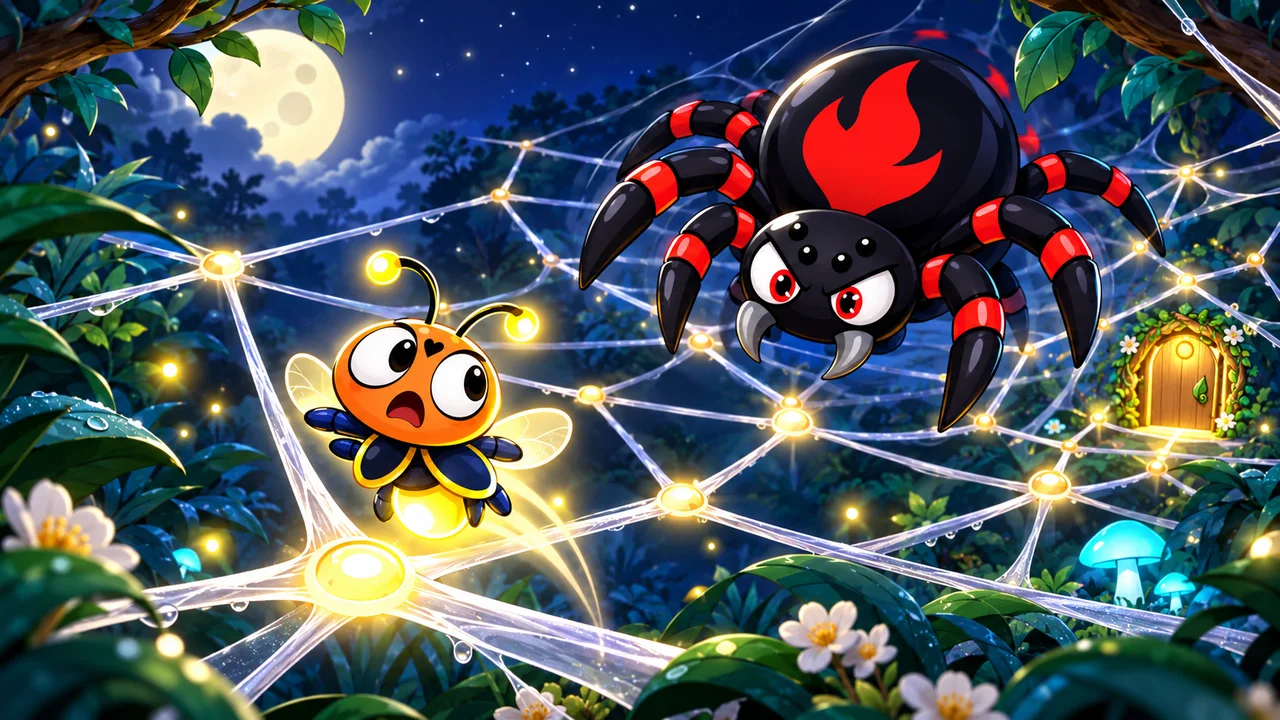
A firefly is lost in a moonlit web, and every hop it makes gives the spiders a move. You hop between connected knots, predict where each spider will go and find a safe route to the glowing exit. There are 150 levels in six worlds, six spider bosses, and Freeze, Cut and Undo power-ups for tight spots.
On a Chromebook: click a glowing knot to move. It is turn-based, so nothing moves until you do, which makes it a good pick for a trackpad.
7. Gravibot
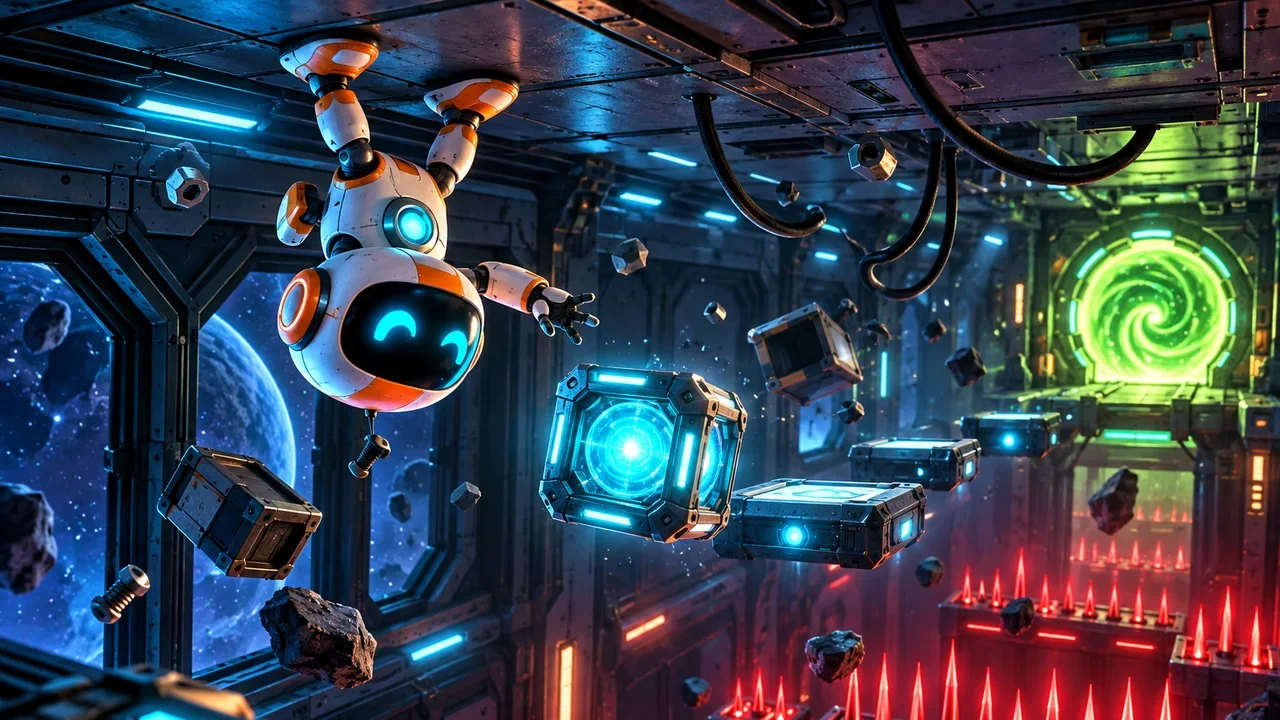
A small robot on a broken space station can't jump, but it can flip gravity. Floors become ceilings, falls become climbs, and every room turns into a puzzle about when to flip. There are 28 rooms in 7 sectors, with lasers, lifts, conveyor belts and warp gates, and a ghost guide shows a working route when you're stuck.
On a Chromebook: A and D or the arrow keys to move, Space to flip gravity, and hold Shift to slow time to 40%. R restarts a room and F switches to full screen. It also reads a gamepad. The Gravibot guide goes through all seven sectors.
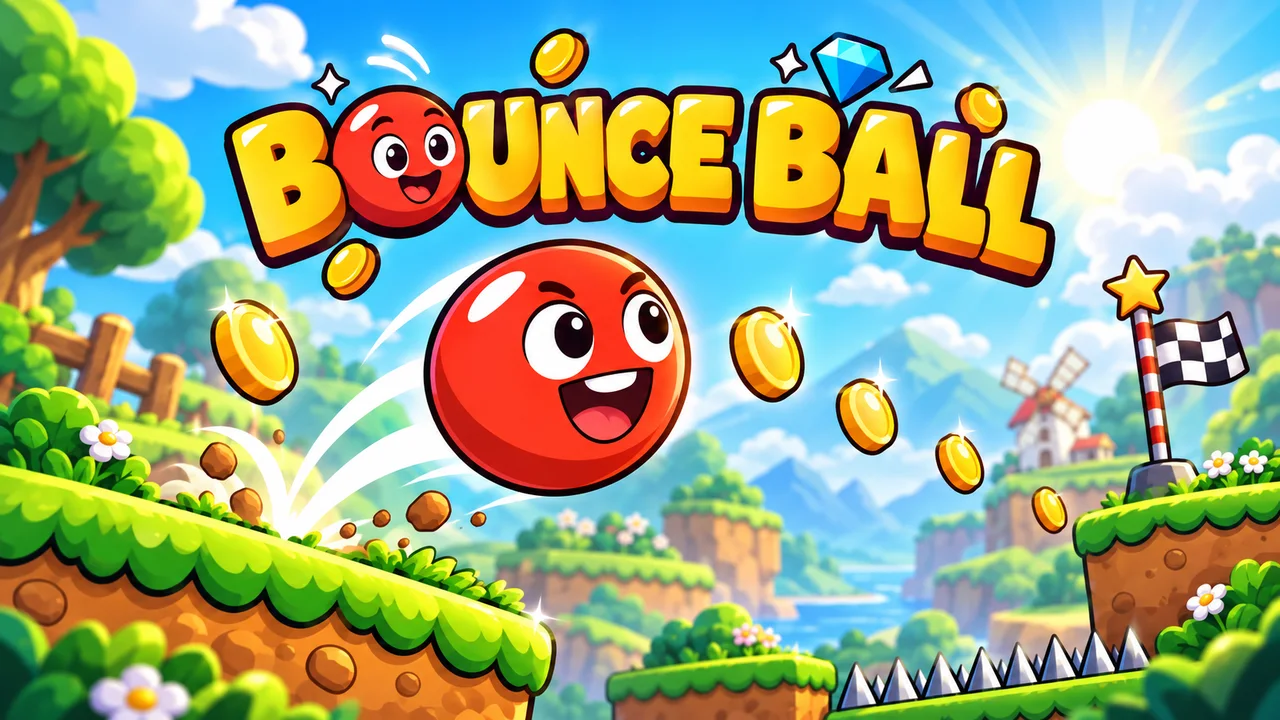
8. Bounce Ball
A bouncy platform adventure through five worlds, from sunny fields and jungle ponds to frozen peaks, dusty canyons and deep mines. Each world has 12 levels and its own boss, 60 levels in all. Springs, cannons and mine carts keep it moving, and special pads turn the ball into heavy stone or a floating bubble.
On a Chromebook: arrow keys or A and D to roll, Space or ↑ to jump, and hold jump for a higher leap. Bounce Ball is also on Google Play.
9. Dot Box Duel
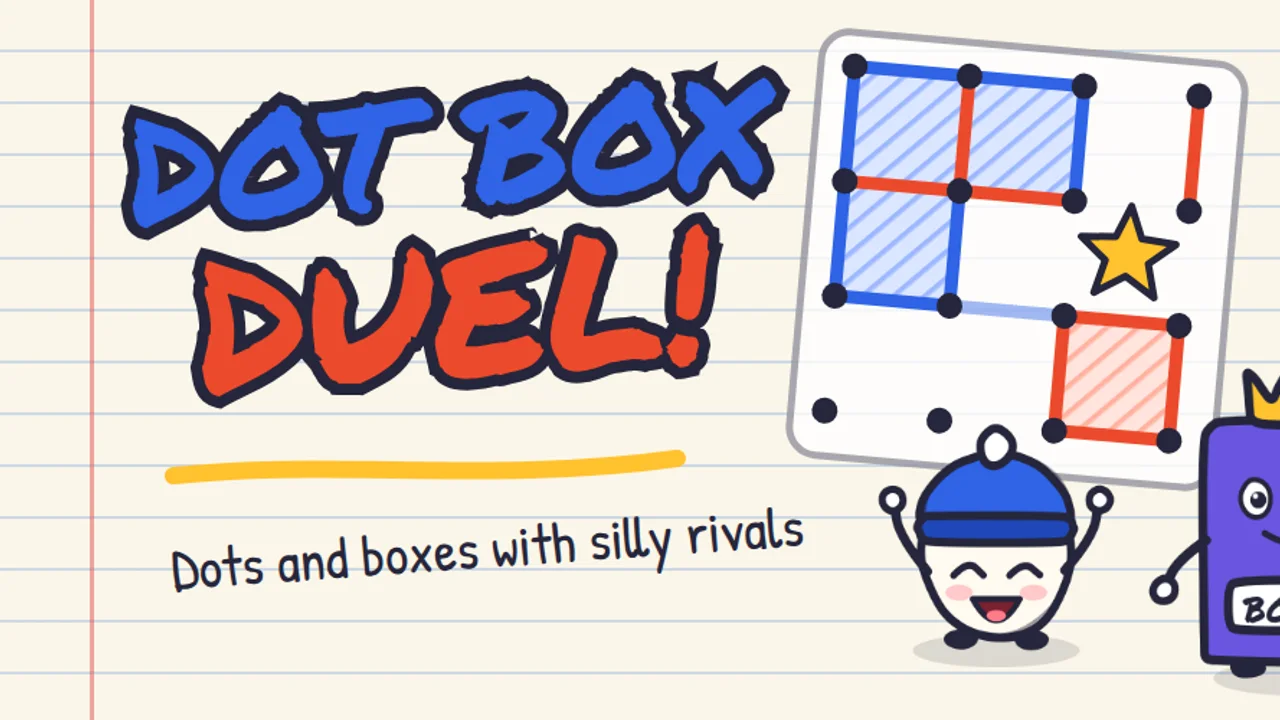
Dots and boxes, drawn in a school notebook. Players take turns drawing one line, and whoever closes the fourth side of a box takes it and draws again. There is a ladder of 24 duels against 8 rivals, a Quick Duel against the computer on Easy, Medium or Hard with four board sizes from 3x3 to 6x6, and Pass & Play for two players on one device.
On a Chromebook: click between two dots to draw a line. With Pass & Play, two people can share one Chromebook. Dot Box Duel is also on Google Play.
10. Tap Burst
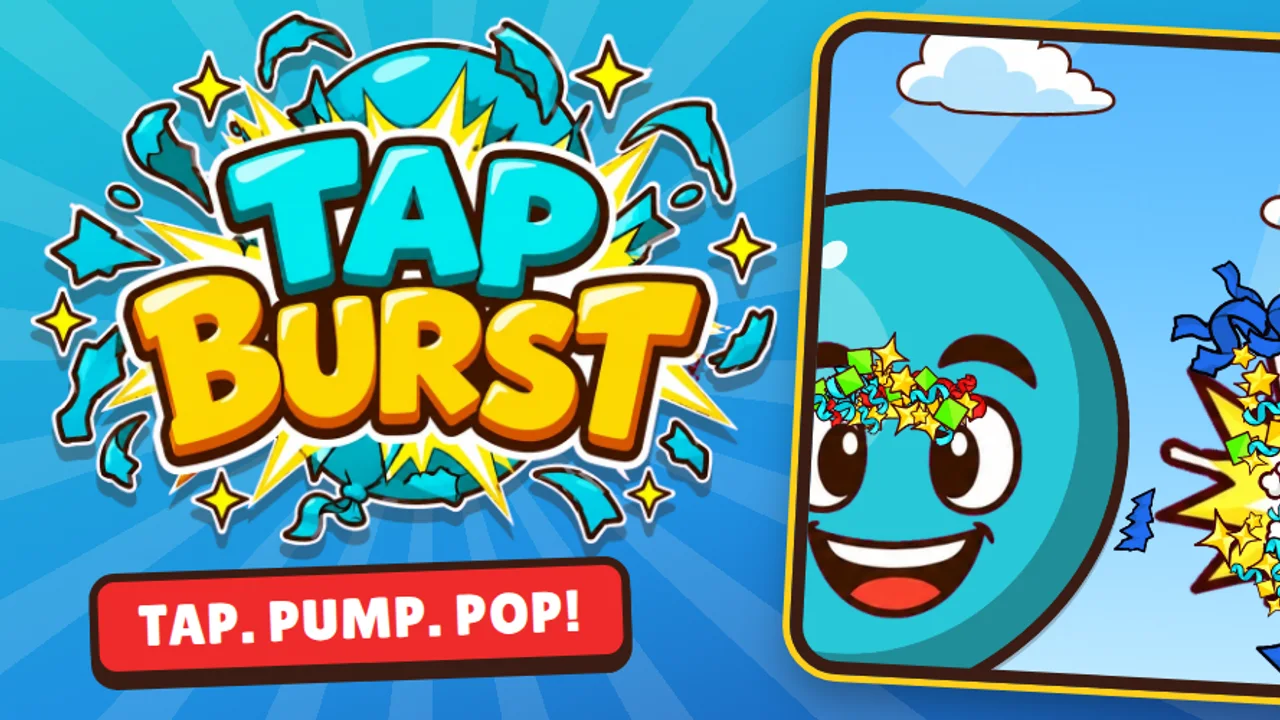
A tapping race. Every tap pumps air into your balloon, and when time is up the bigger balloon wins and the other one pops. Three worlds hold 18 animal rivals, with 5-second Sprints, 10-second Dashes and 30-second Marathons, and a boss at the top of each world. Free Test is a tap-speed test against your own ghost.
On a Chromebook: click as fast as you can. On a touchscreen model, two thumbs on the screen are faster. A race lasts 5 to 30 seconds, the shortest break on this list. Tap Burst is also on Google Play, and the Tap Burst guide has tips for every race.
Three tips for playing on a Chromebook
- Full screen. Every game has a Fullscreen button under the game window. The full-screen key in the top row of the keyboard, the one that looks like a rectangle with corners, works too. Press it again to go back.
- Saves stay on that Chromebook. Progress is saved in the browser, so it is there next time on the same Chromebook and the same account. Guest mode deletes everything when the session ends, and some schools set their Chromebooks to wipe local data at sign-out, game saves included. Why browser games lose progress explains the rest.
- School Chromebooks. These games are ordinary web pages, so they open on a school Chromebook as long as the school's filter allows salutgames.net. Nothing needs installing, and there is no account to create.
The keys for every game are in one place in Controls for every game.
Where to start
For something quick, start with One Tap Hero: one key, one boss, about a minute. For something to sink into, Tiny Knight is the longest adventure on the list. All ten, and the rest of the catalogue, are on the Chromebook games page.
Sources
- SalutGames: the game pages, controls and rules of all ten games, checked in October 2026
- One Tap Hero fight length: the game's own balance simulator, 41 to 62 seconds per fight in Classic depending on the hero
- Google, Ephemeral mode, Chrome Enterprise and Education Help