
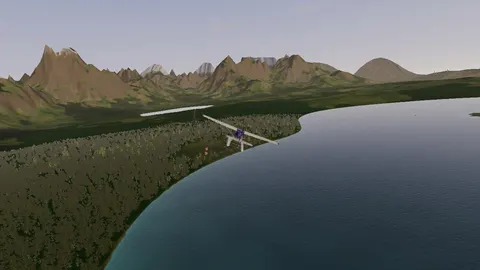
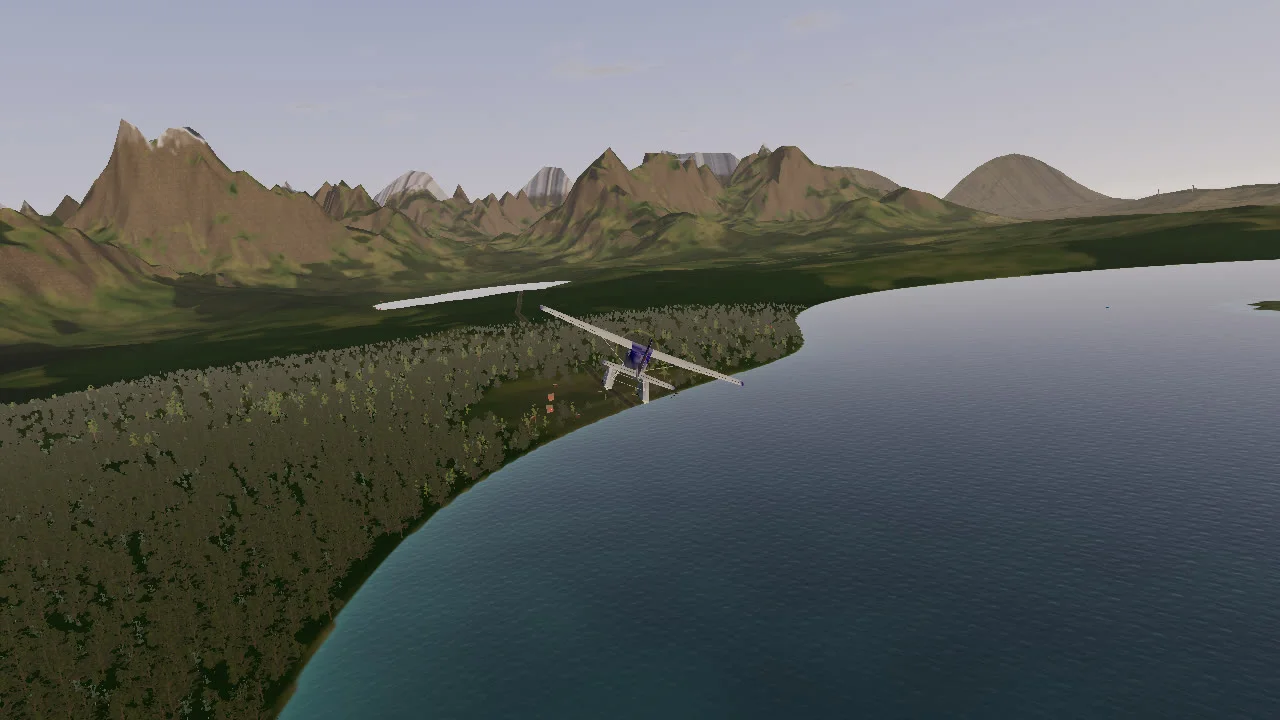
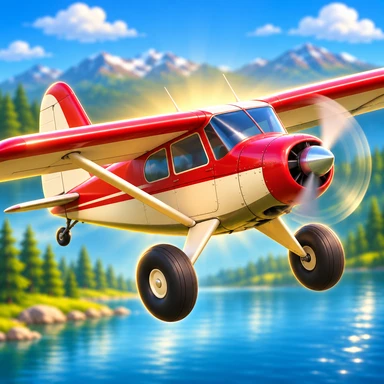








About Lakeland Wings: Bush Plane Flying Game
Lakeland Wings is a calm flying game with no timers and no scores. Pick a plane, a place to start, the season, the weather and the time of day, then open the throttle and lift off. The plane is gentle and levels itself when you let go of the stick, so you can simply look around.
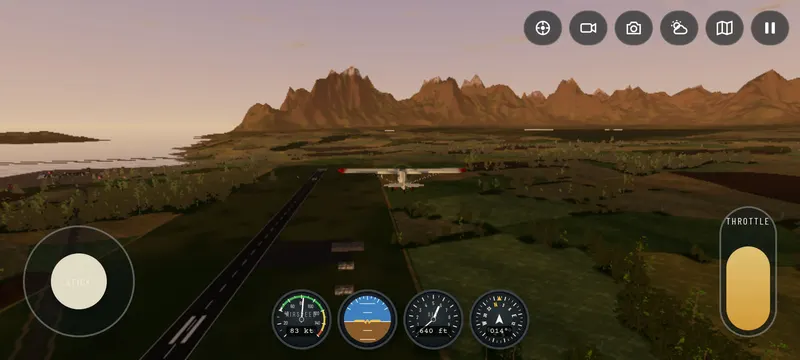
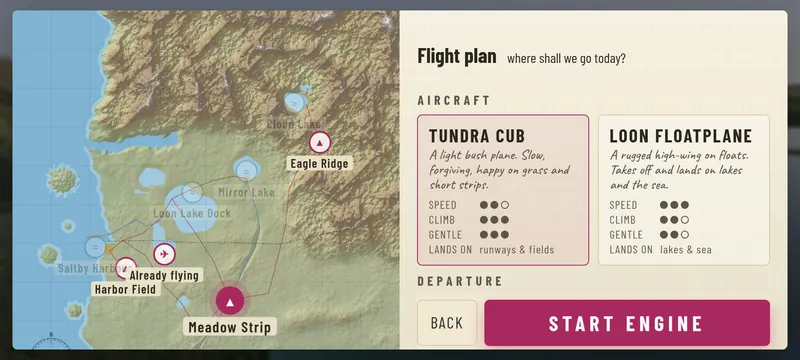
There are two planes. The Tundra Cub is a light bush plane: slow, forgiving and happy on grass and short strips. The Loon Floatplane is a rugged high-wing on floats that takes off from and lands on lakes and the sea. Start on the Meadow Strip, Harbor Field or Eagle Ridge, at a lake dock, or already in the air.
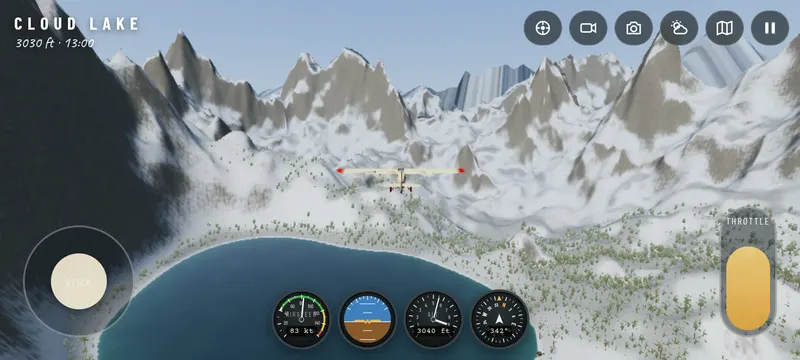
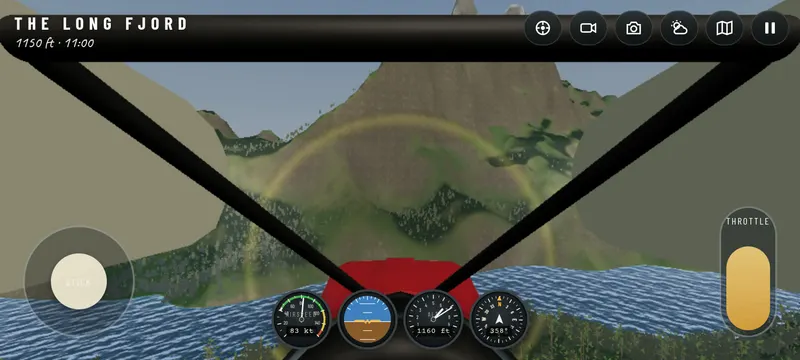
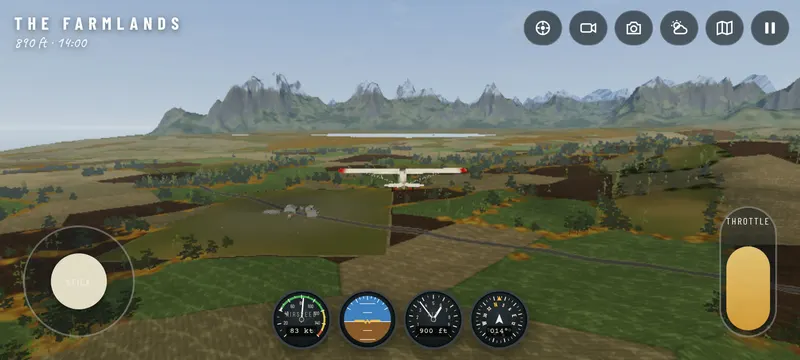
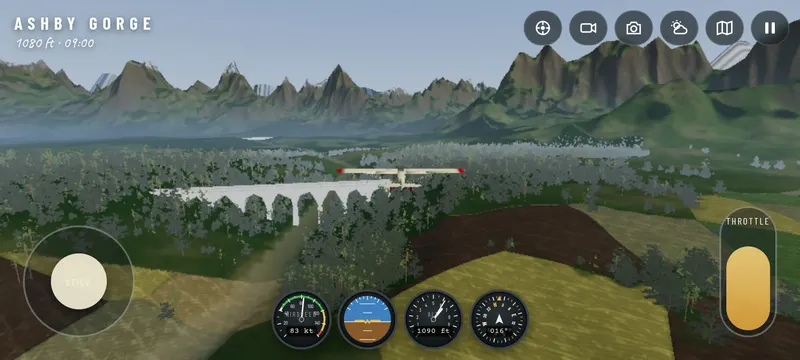
The valley hides 24 sights to find: a lighthouse, a stone viaduct, hot-air balloons, a wind farm, lakes and islands, a long fjord, chalets in the snow, a mountain peak and more. Fly over a sight to add a postcard to your logbook, and land on airfields, fields and lakes to collect landing stamps.
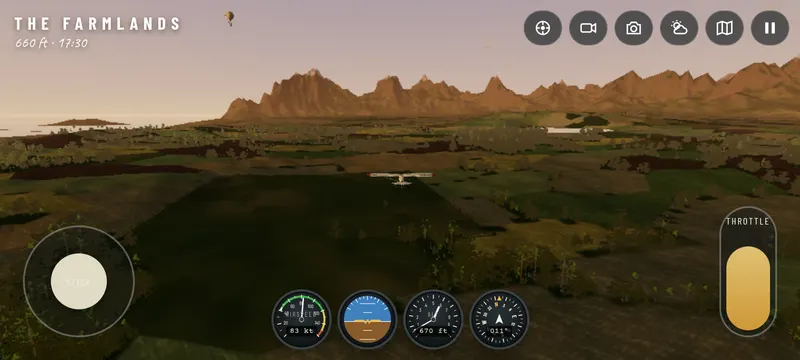
Change the season between summer, autumn and winter, pick one of seven weathers (clear, fair clouds, overcast, rain, morning mist, snowfall or storm) and set the time of day, or let time flow into the evening. Six cameras, from a chase view to the cockpit and the wing, a photo mode with filters, and an autopilot that flies you to any place on the chart or takes you on a scenic tour make every flight easy.
How to play
- Press Fly, pick a plane and a departure on the flight plan, then Start engine.
- Hold R or Shift to open the throttle. On a phone, slide the throttle lever up.
- When you are fast enough, pull back with S or the down arrow (drag the stick down) to lift off.
- Bank with A / D to turn. Let go and the plane levels itself.
- Fly over sights to add them to your logbook. Press M for the chart and let the autopilot fly you to a place.
- To land: slow down, keep the nose up and touch down softly on a runway, a flat field or (with the floatplane) a lake.
Controls
Tips & tricks
- Full throttle for take-off. Let the speed build up before you pull back.
- Let the plane level itself. Release the stick after a turn and the bush plane flies straight again.
- Slow down to land. Pull the throttle back early: the flaps come down by themselves when you are slow and low.
- Use the chart. Faded circles are sights you have not found yet: tap one and the autopilot flies you there.
- Floatplane = water only. It lands on lakes and the sea; the Tundra Cub needs a runway or a flat field.
- Try the cockpit camera in the mountains, and photo mode at sunset.
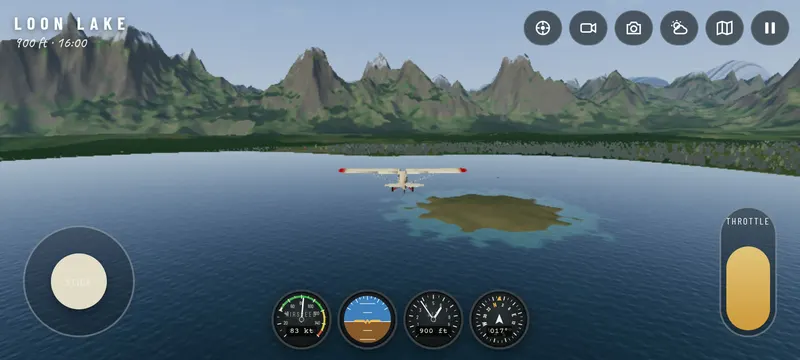
Screenshots
FAQ
Is Lakeland Wings free?
Yes. It is free to play in your browser on SalutGames. There is nothing to download or install, and no account is needed.
How do I take off?
Hold R or Shift (or slide the throttle lever up on a phone) to open the throttle, wait until the plane is fast enough and pull back gently with S or the down arrow.
How do I land?
Slow down, line up with a runway, a flat field or a lake (floatplane), keep the nose a little up and touch down softly.
What happens if I crash?
Nothing bad: it is a relaxing game, so the plane is simply put back in the air and you keep flying.
Is it a flight simulator?
It is a relaxing flying game with a gentle flight model, real take-offs and landings, but no checklists or instruments to learn.
Can the plane fly by itself?
Yes. Press M for the chart, tap a place and the autopilot flies you there. You can also start a scenic tour.
Can I play on my phone?
Yes. Turn your phone sideways: the stick is on the left and the throttle lever on the right.
Is my progress saved?
Yes. Your logbook, sights and landing stamps are saved in your browser on this device.