






About Mosaic Bay: Color by Number
Color by number mosaics by the sea
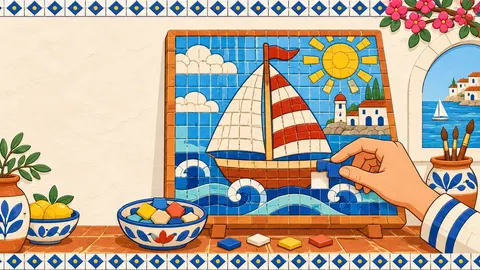
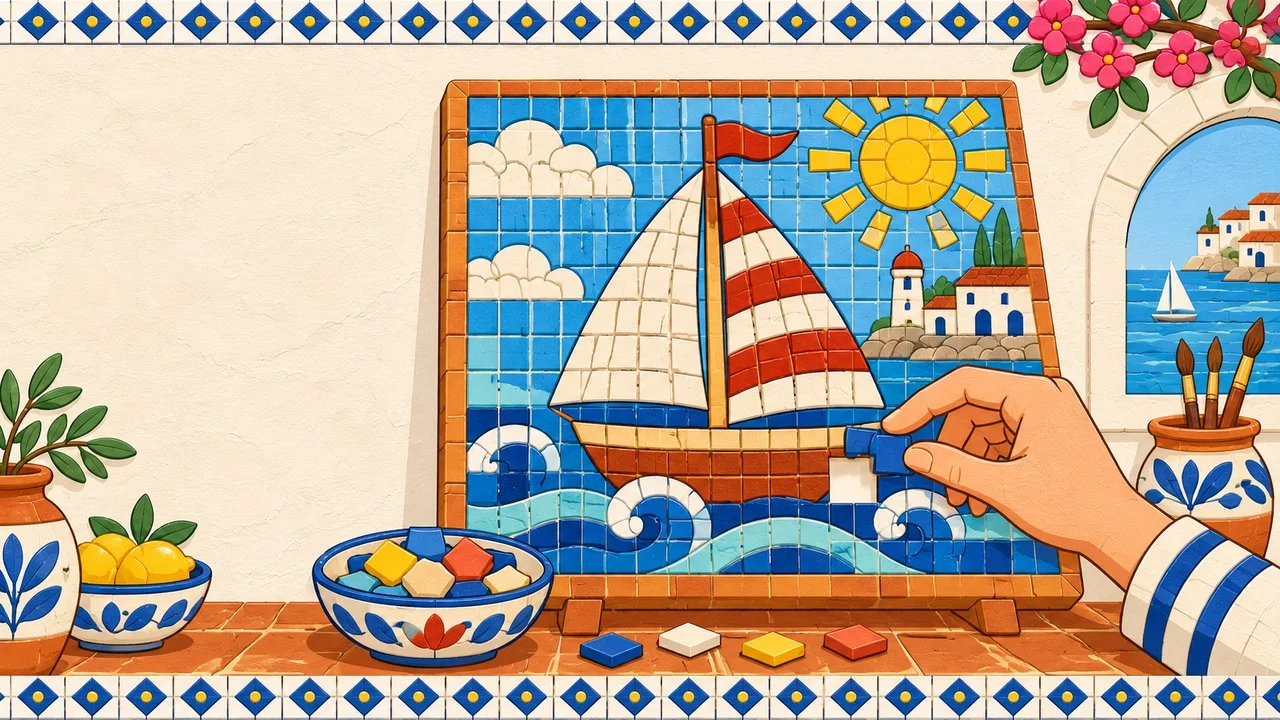
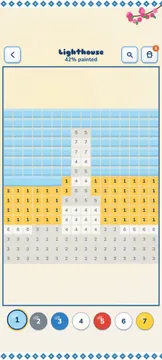
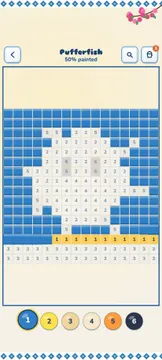
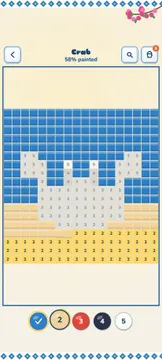
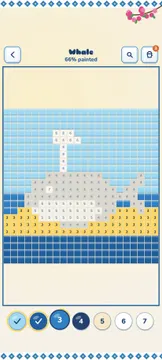
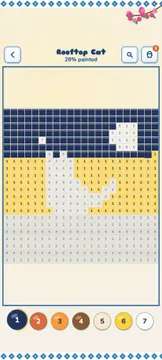
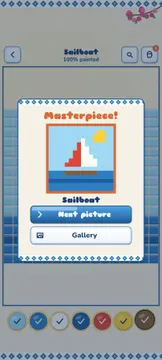
Mosaic Bay turns every picture into a grid of small glazed tiles. Choose a numbered colour from the palette, then tap, click or drag across every tile carrying that number. Correct tiles fill immediately, completed colours receive a check mark and the finished mosaic gets a shine before it joins your gallery.
30 pictures in three open albums
Harbor contains sailboats, a lighthouse, an anchor and other waterfront scenes. Sea Life ranges from a little fish and crab to a whale and sea turtle. Town & Treats includes lemons, ice cream, a blue door, a rooftop cat and more. Every album has 10 pictures, and all 30 can be selected from the start.
Find, Bucket and zoom tools
Find highlights and centres the next unpainted tile for the selected colour. Each picture also starts with three Bucket fills: arm the Bucket, then choose a matching tile to fill its connected patch in one move. Mouse-wheel or two-finger zoom helps with denser 20×20, 22×22 and 24×24 mosaics, while panning keeps the area you need in view.
Progress saved in the gallery
Mosaic Bay saves partially painted grids as well as completed pictures. The title screen continues the first unfinished picture, and the gallery shows each picture's completion percentage. Sound, vibration and remapped keyboard controls are stored in the same browser.
How to play
- Choose Start painting or open the Gallery and select any picture.
- Pick a numbered colour from the palette below the mosaic.
- Tap or click tiles with the same number; drag across a matching row to paint several.
- Choose Find to highlight and centre a remaining tile for the selected colour.
- Choose Bucket, then a matching tile, to fill one connected patch; each picture has three Buckets.
- Zoom with the mouse wheel or two fingers and pan when you need a closer view.
- Fill every numbered tile to reveal the completed picture and save it to the gallery.
Controls
Tips & tricks
- Finish one colour at a time so the palette clearly shows what remains.
- Drag along long horizontal runs instead of painting every tile separately.
- Use Find after the counter stops falling; the missing tile may be near an edge.
- Save Bucket fills for large connected areas rather than isolated squares.
- Zoom into 22×22 and 24×24 pictures before working on small details.
- Partly painted pictures are saved, so you can switch albums and return later.
Screenshots
FAQ
Is Mosaic Bay: Color by Number free to play?
Yes. Mosaic Bay: Color by Number is free in your browser on SalutGames, with no download and no account needed.
How many pictures are in Mosaic Bay: Color by Number?
Mosaic Bay has 30 pictures split evenly across Harbor, Sea Life and Town & Treats albums. All 30 pictures are open from the start.
How do you play Mosaic Bay: Color by Number?
Select a numbered colour, then tap, click or drag across tiles showing that number. Complete every colour to finish the mosaic.
What does Find do in Mosaic Bay: Color by Number?
Find highlights the nearest unpainted tile for the selected colour, centres the view on it and briefly flashes it.
How do Bucket fills work in Mosaic Bay: Color by Number?
Each picture starts with three Bucket fills. Select a colour, arm the Bucket and choose a matching tile to paint its connected patch at once.
Can I zoom in Mosaic Bay: Color by Number?
Yes. Use the mouse wheel or = and - keys on PC, or pinch with two fingers on a phone. You can pan with a right-drag or two-finger drag.
Can I play Mosaic Bay: Color by Number on a phone and PC?
Yes. Phone players use touch taps, drags and two-finger gestures. PC players can use a mouse or remappable keyboard controls.
Does Mosaic Bay: Color by Number save progress?
Yes. Mosaic Bay saves each partly painted grid, completed pictures, remaining Buckets, settings and custom keys in this browser.