







About Last Checkout: Zombie Escape
A zombie game built around stealth
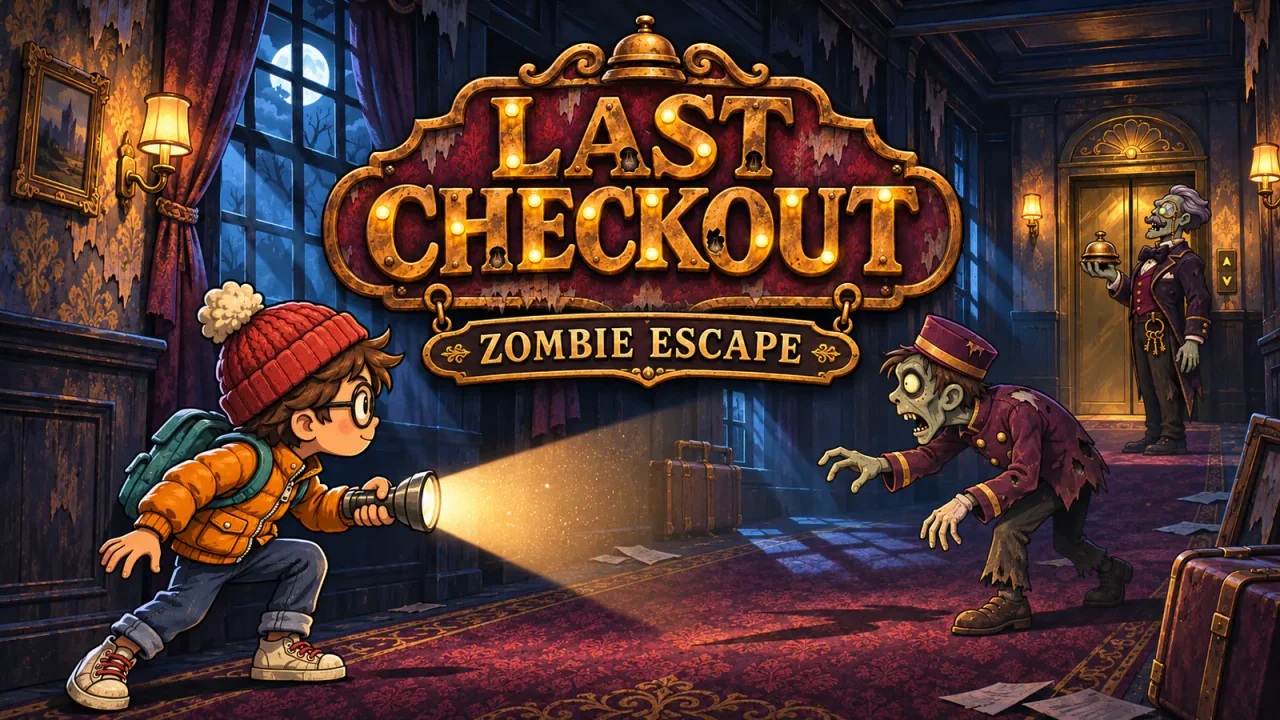
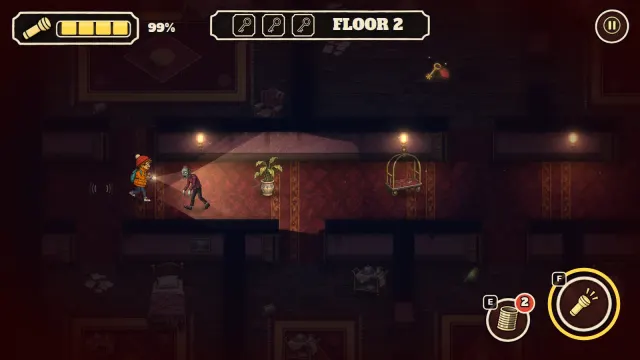
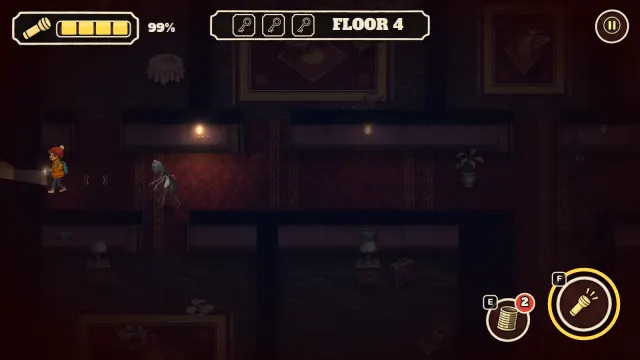
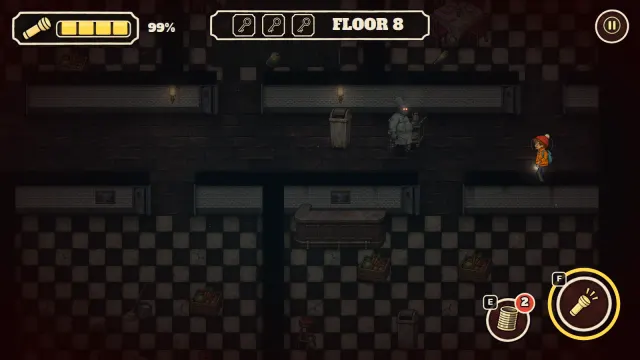
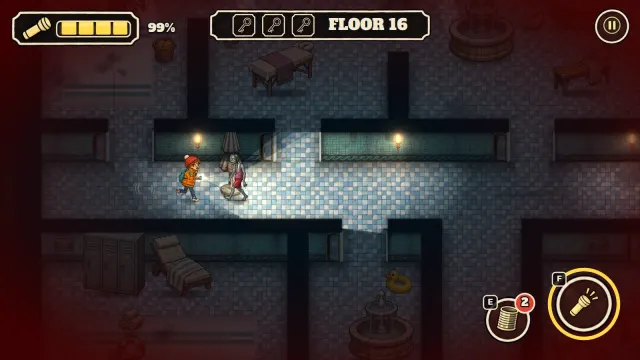
Last Checkout: Zombie Escape turns an abandoned hotel into a floor-by-floor stealth challenge. Search rooms for three keys, then reach the elevator while controlling how much noise and light you make. Running is faster but alerts nearby zombies, and your flashlight helps you see while also making you easier to spot.
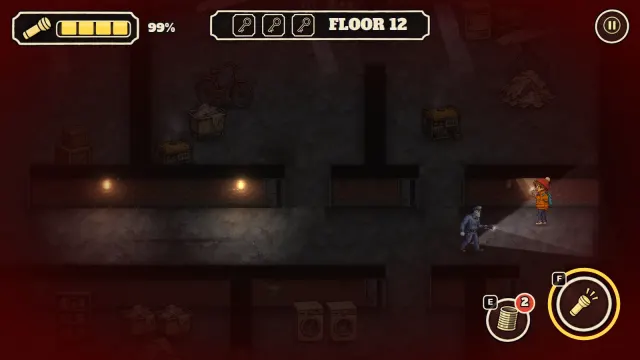
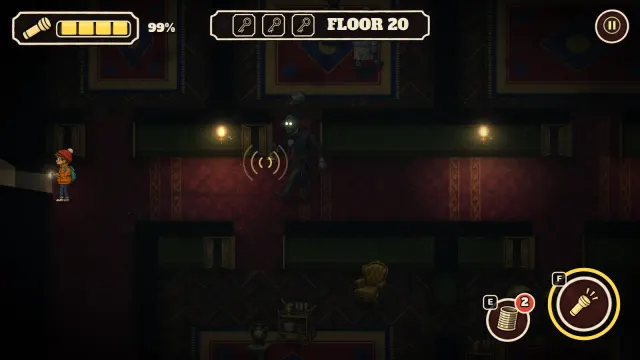
The hotel has 20 floors split across the Guest Floors, Kitchen, Laundry & Basement, Spa & Pool, and Penthouse. Each area introduces a different threat: Bellhops patrol corridors, the blind Maid hunts by sound, the Chef keeps chasing and can break doors, the Night Guard carries a flashlight, and Lifeguards wait in ambush. The final floor is ruled by the Night Manager, whose bell summons every zombie.
Thrown cans can lure enemies toward a sound or stun a zombie with a direct hit. Beds, wardrobes, lockers and other hiding places let you wait for danger to pass—as long as the zombie did not see you hide. Every floor has three goals: escape, collect the hidden golden room tag, and finish without being spotted.
Last Checkout: Zombie Escape runs directly in a modern browser with keyboard controls on desktop and a joystick plus touch buttons on phones and tablets. No download or account is required.
How to play
- Explore the floor and enter rooms to find all three keys.
- Walk quietly near zombies; running is faster, but your footsteps travel farther.
- Switch off the flashlight when an enemy is close so its beam does not reveal you.
- Throw a can to lure a zombie away or hit it directly for a short stun.
- Hide in a nearby bed, wardrobe or other marked hiding place after breaking line of sight.
- Look for the optional golden room tag, then return to the elevator after collecting three keys.
- Escape without being spotted to earn all three stars on the floor.
Controls
Tips & tricks
- Turn off the flashlight before a zombie enters its beam; light can reveal you from farther away.
- Release Shift or move the touch joystick only halfway when you need quiet footsteps.
- The Maid is blind, so stop moving when she is close and let her pass.
- Break the Chef's line of sight before hiding because he does not give up a visible chase easily.
- Stay outside the Night Guard's flashlight beam and pass behind him when possible.
- Throw a can into a dark spa room to wake a hidden Lifeguard before you enter.
- Save at least one can for a direct stun when your escape route is blocked.
- Never let the Night Manager see you; his bell calls every zombie on the final floor.
Screenshots
FAQ
Is Last Checkout: Zombie Escape free to play?
Yes. Last Checkout: Zombie Escape is a free zombie game you can play in your browser on SalutGames with no download or account required.
How do I play Last Checkout: Zombie Escape?
In Last Checkout: Zombie Escape, search each hotel floor for three keys, avoid or distract the zombies, and reach the elevator. You can also find a golden room tag and escape without being spotted for two extra stars.
What are the PC controls for Last Checkout: Zombie Escape?
Last Checkout: Zombie Escape uses WASD or the arrow keys to move and Shift to run. Press F or Space for the flashlight, E or Q to throw a can, H or C to hide, and Escape or P to pause. The on-screen action buttons can also be clicked.
Can I play Last Checkout: Zombie Escape on a phone or tablet?
Yes. Last Checkout: Zombie Escape has a touch joystick for movement and on-screen buttons for the flashlight, cans, hiding and pause, and it plays in landscape orientation.
How many floors are in Last Checkout: Zombie Escape?
Last Checkout: Zombie Escape has 20 floors across five hotel areas: Guest Floors, Kitchen, Laundry & Basement, Spa & Pool, and Penthouse. The Night Manager waits on floor 20.
How do I survive the Night Manager in Last Checkout: Zombie Escape?
In Last Checkout: Zombie Escape, keep the Night Manager outside your flashlight beam, move quietly and break line of sight before hiding. If he sees you, his bell calls every zombie on the floor, so keep a can ready for an emergency stun.
Does Last Checkout: Zombie Escape save progress?
Yes. Last Checkout: Zombie Escape automatically saves cleared floors, stars, golden tags and best times in local browser storage on the device you are using. Clearing a floor unlocks the next one.