





About Drift Avenue
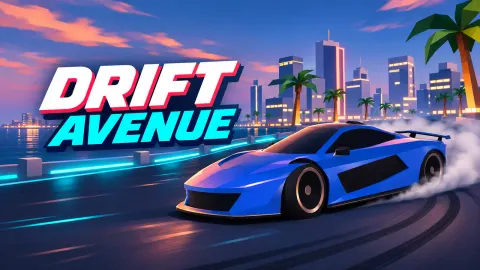
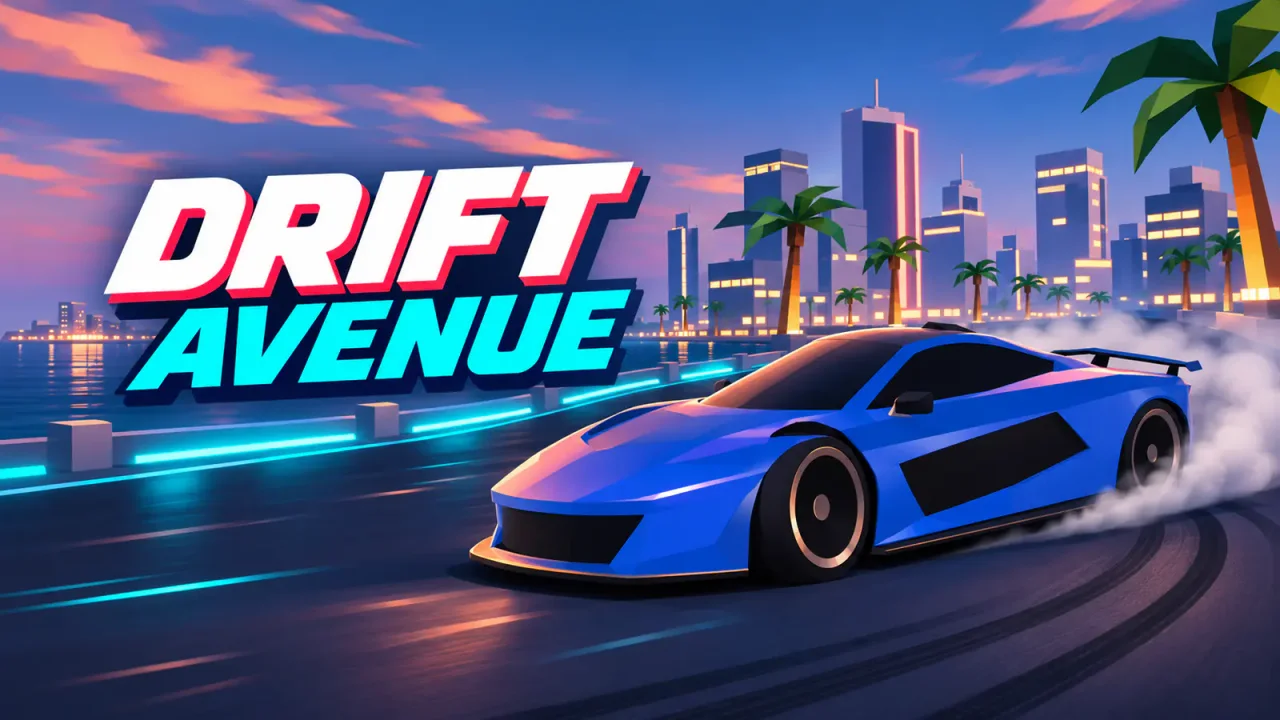
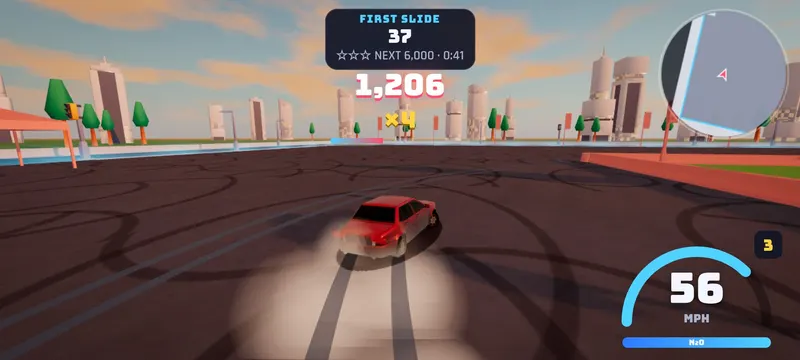
Drift Avenue is a 3D drift game set in a whole city built for sliding sideways: a downtown grid of skyscrapers, midtown alleys that cut through the blocks, quiet suburbs, parking lots, a ring road around everything and a drift park with grandstands, tents and a barrier island in the middle.
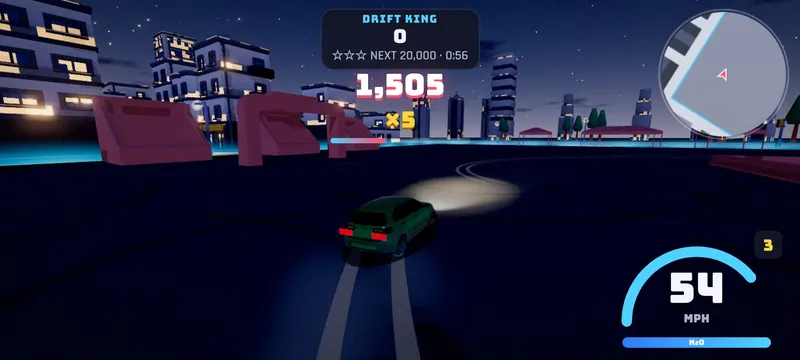
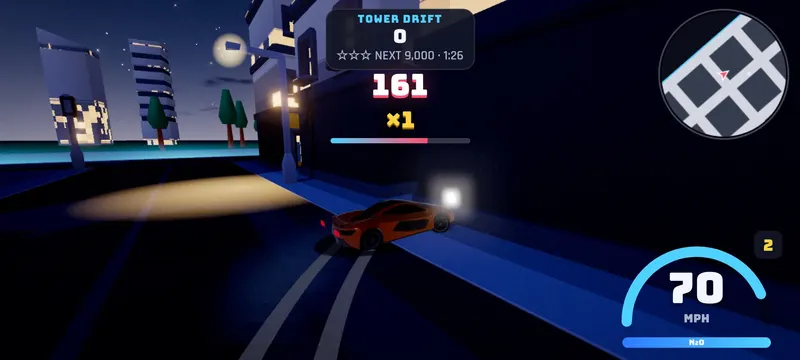
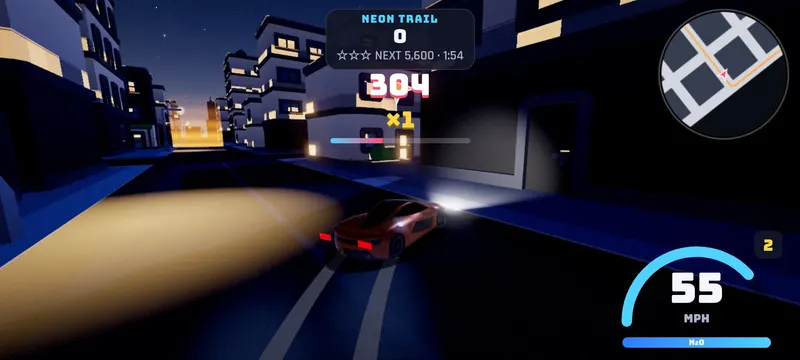
Tap the handbrake while you steer into a corner and the car kicks out. Keep the gas on to hold the slide, steer into the turn for a deeper angle and steer out of it to straighten up. Your drift points grow with speed and angle, the multiplier climbs to x5 while you keep the chain going, and sliding close to walls and cars earns Close Call bonuses. Stop drifting for a moment to bank the points. Crash, and the chain is gone.
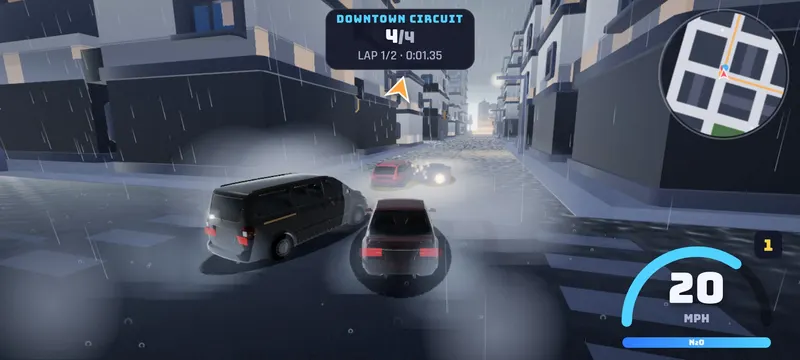
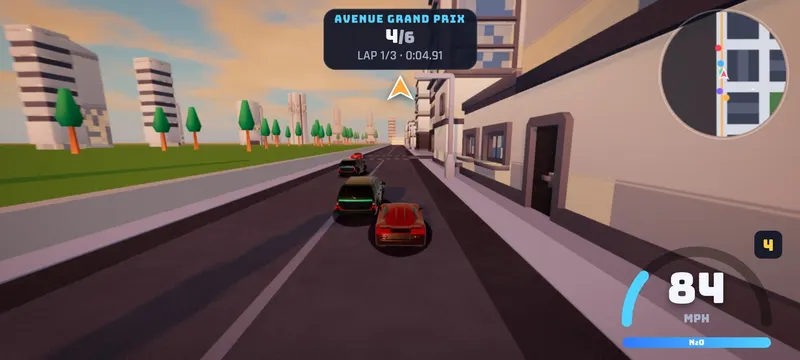
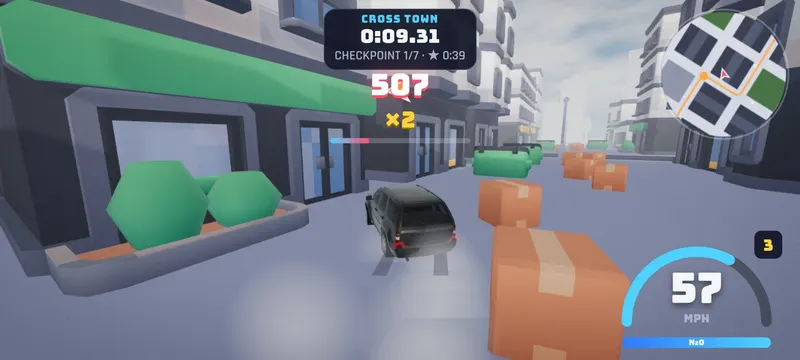
Career mode has 18 events in three tiers, Rookie, Street and Legend: drift zones, street races against AI rivals, checkpoint sprints across town, smash runs and drift trails through gates. Every event has its own weather, from a sunny day and a golden sunset to neon nights, slippery rain and thick fog. Every new star pays cash.
In Free Ride the city is yours. Pick the conditions, drift for cash, knock over lamp posts, bins and crates, weave through traffic and hunt the 20 hidden Drift Tokens.
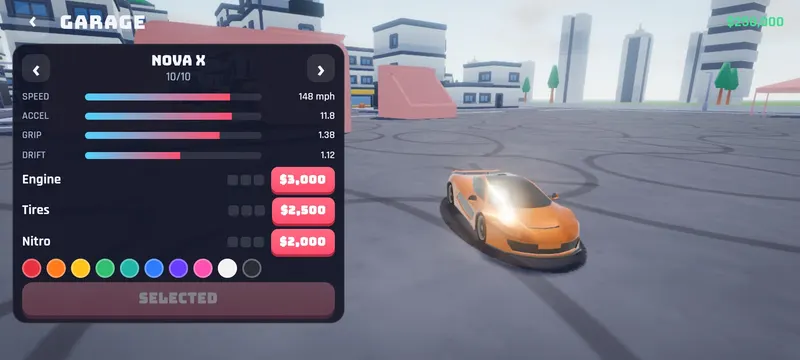
Spend your winnings in the Garage on 10 cars, from the Pocket GT starter hatchback to the Apex R and the Nova X supercar, plus three levels of engine, tire and nitro upgrades and 10 paint colors.
How to play
- Pick Career for events, or Free Ride to explore the city.
- Drive with W A S D or the arrow keys.
- At speed, hold Space (the handbrake) while you steer into a corner to start a drift.
- Keep the gas on to hold the slide, and steer to control the angle.
- Chain corners to raise the multiplier up to x5, then stop drifting for a moment to bank your points. A crash loses the chain.
- Hit Shift for nitro on the straights. Drifting refills it.
- Earn stars to open the Street and Legend events, and spend your cash in the Garage.
Controls
Tips & tricks
- Start the drift before the corner. A quick handbrake tap while you turn in is enough.
- Hold a medium angle. Full steering into the turn scores the most but costs speed.
- Chain corners without straightening up, so the multiplier keeps climbing to x5.
- Slide close to walls, barriers and cars for Close Call bonuses, but don't touch them.
- Watch the rain. Wet roads are slippery, so start drifts earlier and use less steering.
- Use the alleys. The midtown alleys are shortcuts, and full of things to smash.
- Upgrade before the big races. Tires give grip and drift control, the engine gives top speed.
Screenshots
FAQ
Is Drift Avenue free?
Yes. Drift Avenue is free to play in your browser on SalutGames. There is nothing to download or install, and no account is needed.
How do I drift?
Get some speed, steer into a corner and hold Space (the handbrake, or DRIFT on phones). Keep the gas on to hold the slide and steer to control the angle.
How do drift points work?
Points grow with your speed and drift angle. Chaining drifts raises the multiplier up to x5, and sliding close to walls or cars adds Close Call bonuses. Stop drifting for a moment to bank the points. A crash loses the whole chain.
How do I unlock more events?
Earn stars in career events. The Street tier opens at 10 stars and the Legend tier at 26 stars.
How do I get new cars?
Win cash in career events and in Free Ride, then buy cars, upgrades and paint in the Garage. There are 10 cars, from the Pocket GT to the Nova X.
Which car is best for drifting?
The Party Van swings out the widest, the Red Comet is a balanced sports car, and the Apex R and Nova X are the fastest. Tire upgrades make every car easier to control.
Can I play Drift Avenue on my phone?
Yes. Turn your phone sideways: the game shows steering, DRIFT, BRAKE and N₂O buttons, with automatic gas or a gas pedal. You can switch to tilt steering in Settings.
Can I play with a controller?
Yes. Use the triggers for gas and brake, the left stick to steer, A for the handbrake and X for nitro.
Is my progress saved?
Yes. Your cash, stars, cars and upgrades are saved in your browser on this device.