







About Azure Sails: Relaxing Sailing Game
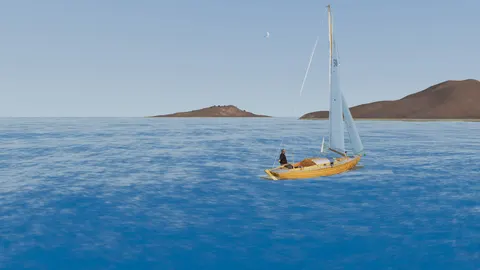
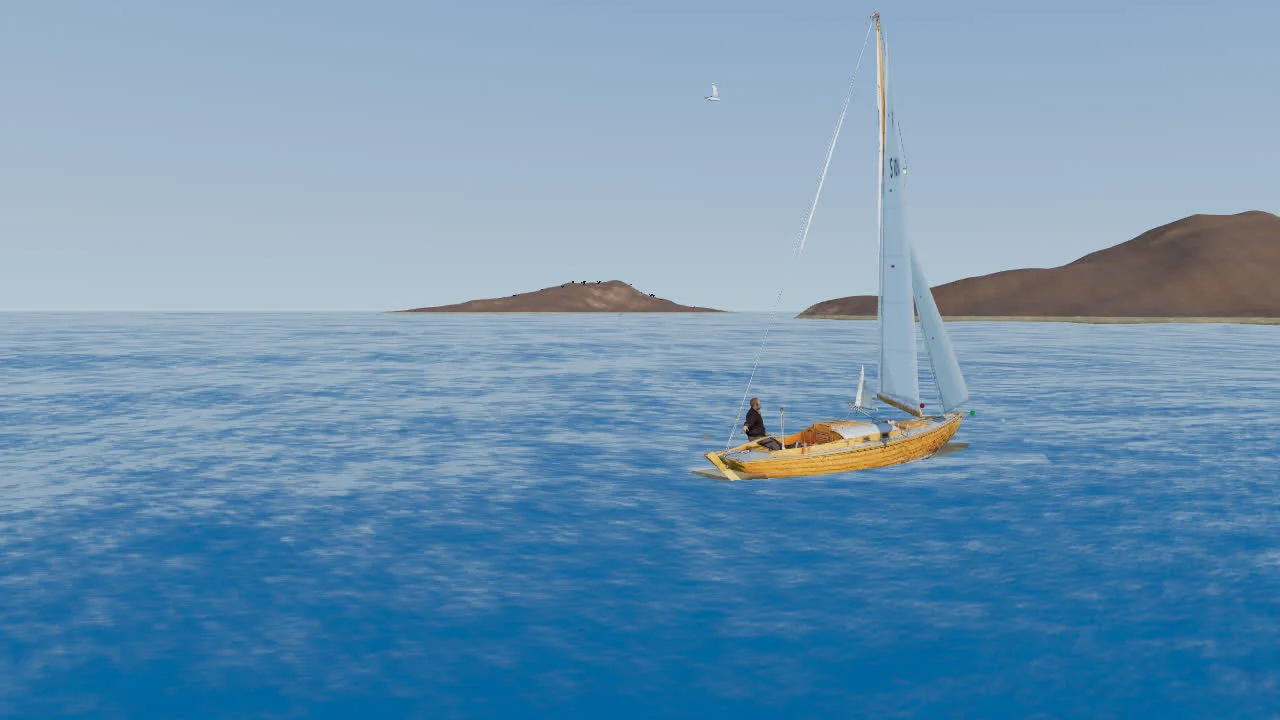
Azure Sails is a calm sailing game with no races and no timer. You steer, the wind fills the sails and the boat heels and picks up speed on a beam reach, then slows as you turn into the wind. Turn on auto trim and the sails trim themselves, or switch to manual trim and work the sheet yourself.
There are three seas to explore. The Aegean Isles have white villages, windmills on the ridges and warm turquoise coves. The Coral Lagoon has a green volcano, a ring of palm islets and water like glass. The Nordic Skerries have granite islets, pine forests, red cottages and seals on the rocks. Each sea hides 10 sights to find and 2 harbours where you can tie up at the pier.
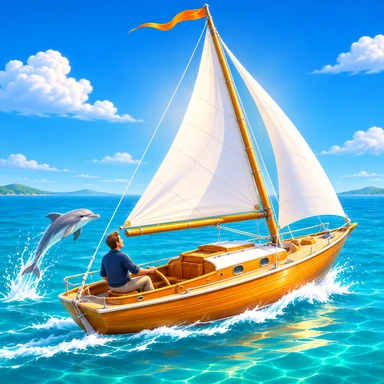
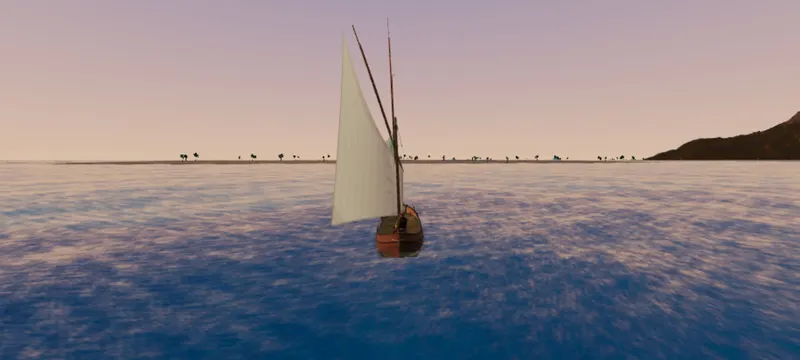
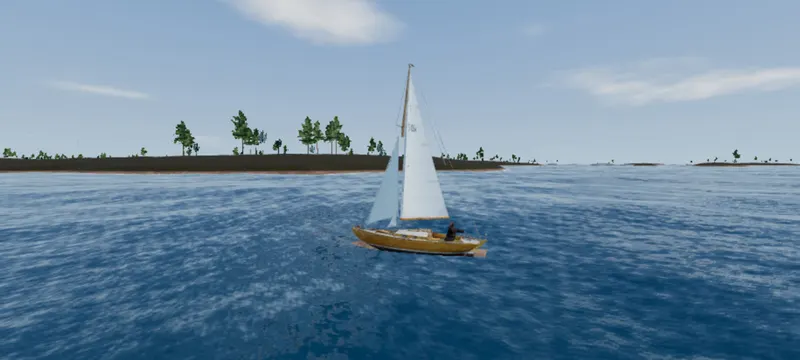
On the way you meet wildlife: dolphins race beside your bow, humpback whales and sea turtles swim in the lagoon, and orcas and harbour seals live in the north. Everything you find goes into your logbook, and new discoveries unlock new boats: from the little Nordic Folkboat to a Tartane, the Coastal 36, the Bluewater 38 and the Hudson Sloop.
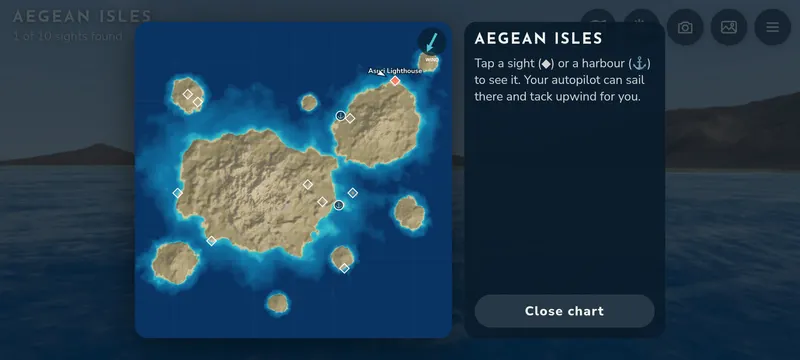
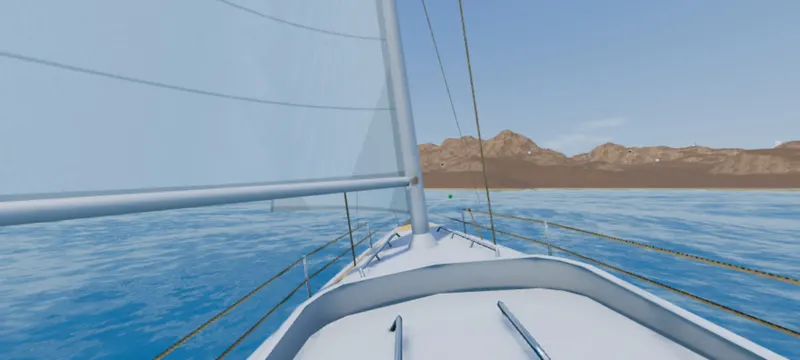
Open the chart to see the islands, tap a sight or a harbour and the autopilot sails you there, tacking upwind on its own. Change the weather whenever you like (clear, fair, breezy, calm, overcast, rain, storm or fog), pick the wind strength and the time of day, or let time flow from noon to a starry night with your navigation lights on. Five cameras, including a view from the helm, and a photo mode make it easy to stop and enjoy the view.
How to play
- Press Set sail. The sails trim themselves while auto trim is on.
- Steer with A / D or the arrow keys. On a phone, hold the ◀ ▶ buttons.
- Sail across the wind for the best speed. Straight into the wind the sails flap and the boat stops ("in irons").
- Press M or the chart button, tap a sight (◆) or a harbour (⚓) and choose Sail here: the autopilot takes you there.
- Sail close to a sight to add it to your logbook, and tie up in a harbour with F or the dock button.
- Find more sights to unlock new boats in the Boats menu.
Controls
Tips & tricks
- Sail across the wind. A beam reach (wind from the side) is the fastest point of sail.
- Don't point into the wind. The sails flap and you stop. Turn away until the sails fill again.
- Let the autopilot tack. To go upwind, pick a target on the chart: the autopilot zigzags for you.
- Look for dolphins in open water. They love racing next to a fast boat.
- Use the motor in harbours. It is easier to line up with the pier under motor.
- Try the helm camera for a view from the deck, and photo mode at sunset.
Screenshots
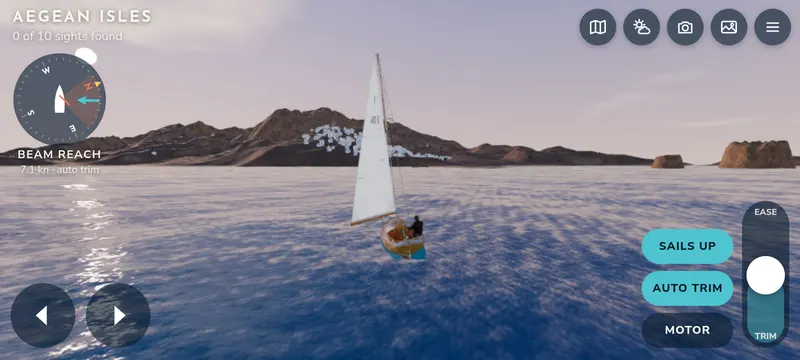
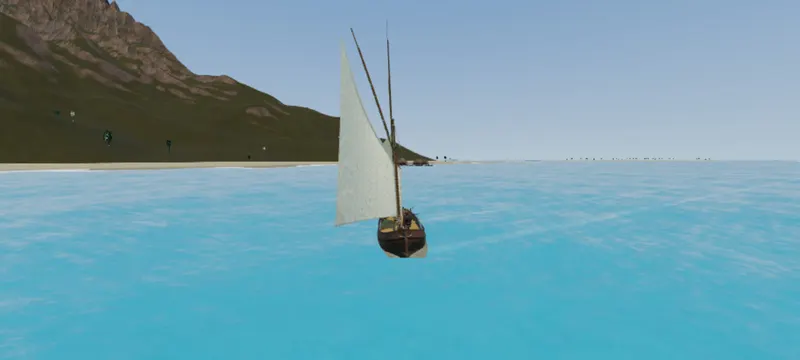
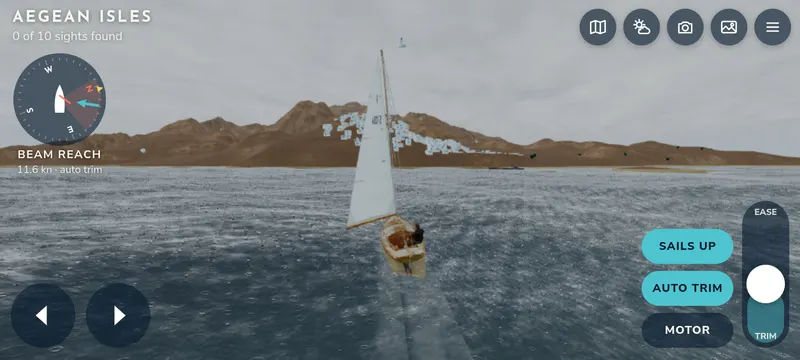
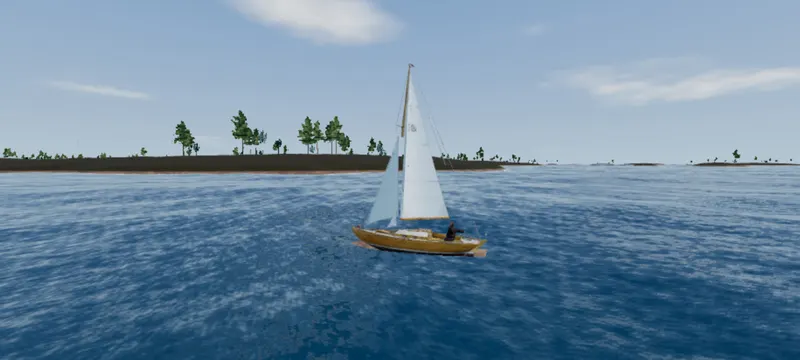
FAQ
Is Azure Sails free?
Yes. It is free to play in your browser on SalutGames. There is nothing to download or install, and no account is needed.
How do I sail?
Press Set sail and steer with A / D or the arrow keys (the ◀ ▶ buttons on a phone). With auto trim on, the sails trim themselves. Sail across the wind for the best speed.
Why does my boat stop?
You are pointing straight into the wind, so the sails cannot fill ("in irons"). Turn away from the wind until the sails fill again.
Is there a timer or a race?
No. Azure Sails is a relaxing sailing game: there are no races, no timers and nothing to lose.
How do I unlock new boats?
Find sights, harbours and wildlife. Every discovery goes into your logbook, and new boats open in the Boats menu as your logbook grows.
Can the boat sail by itself?
Yes. Open the chart, tap a sight or a harbour and choose Sail here: the autopilot steers and tacks upwind for you. Steer to take over.
Can I play on my phone?
Yes. Turn your phone sideways: hold the ◀ ▶ buttons to steer, and use the trim slider and the SAILS, AUTO TRIM and MOTOR buttons.
Is my progress saved?
Yes. Your logbook and boats are saved in your browser on this device.