







About Flipwood: Reversi
Reversi on a carved forest board
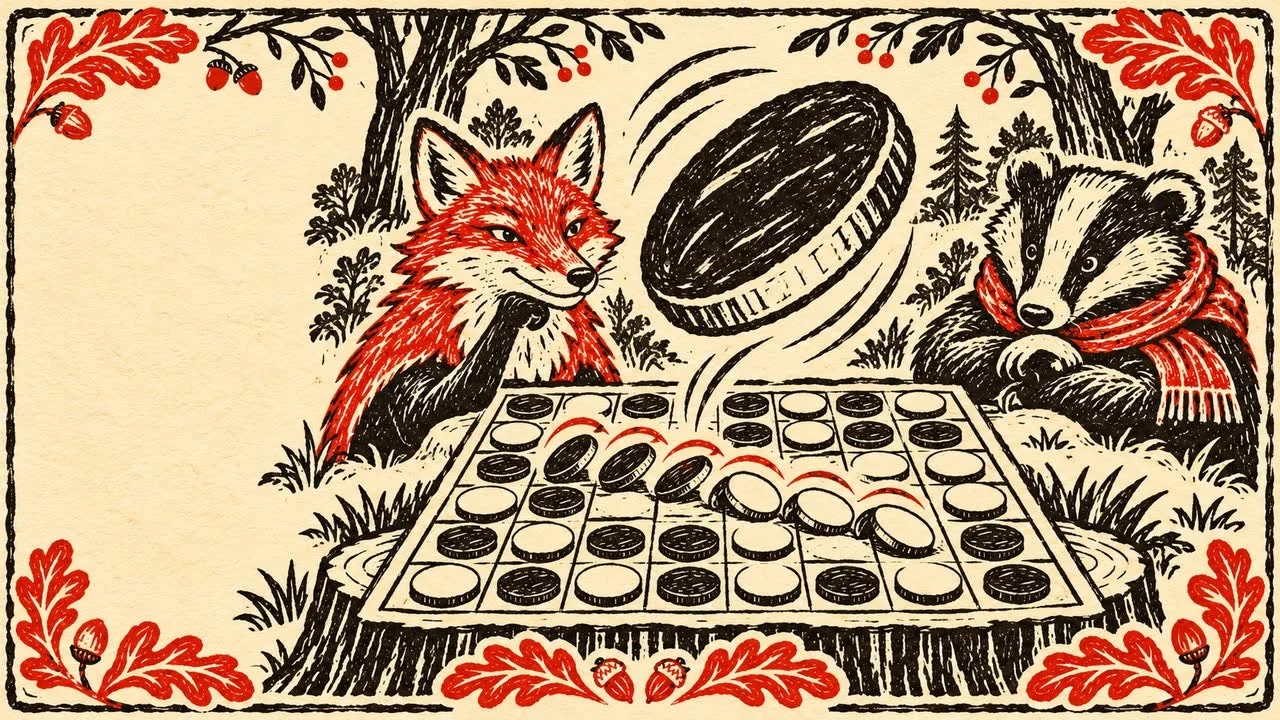
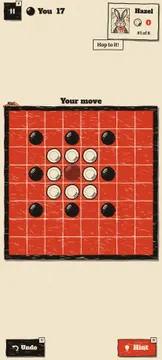
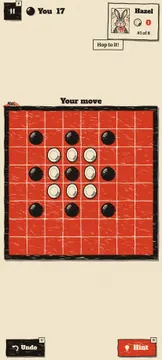
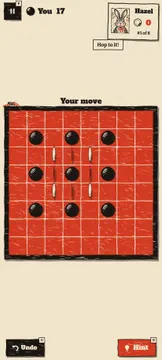
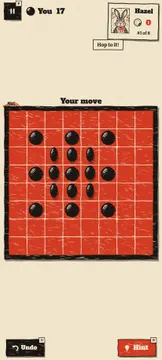
You play black and move first on an 8×8 board. Place a disc on a legal carved dot so that one or more straight lines of cream discs sit between the new disc and another black disc. Every trapped disc flips to black. Lines can run horizontally, vertically or diagonally, and one move may flip in several directions at once.
Eight rivals on the Forest Trail
The Forest Trail leads through eight computer-controlled woodland rivals with rising skill levels. Beat the current rival to open the next portrait on the trail. Winning earns one star, a margin of at least 10 discs earns two, and a margin of at least 24 earns three.
Legal moves, passes and the finish
Every legal move is marked with a dot. A move must flip at least one rival disc. If a player has no legal move, that turn passes automatically; the game continues while the other player can move. When neither player can move, the board is counted and the color with more discs wins.
Undo and Hint
Undo takes the board back to before your previous turn, including the rival's reply, so you can try a different line. Hint asks a computer player to mark a strong legal move for a few seconds. Neither tool changes the rules or removes a disc from play.
Play on phone or desktop
Tap or click a carved legal dot to place black. Keyboard players can use the arrow keys to move between legal choices and Enter to confirm. U undoes, H requests a hint and P pauses. Beaten rivals, stars and best winning margins save in this browser on this device, with no download or account required.
How to play
- Choose the first open rival on the Forest Trail.
- Look for the carved dots that mark your legal moves.
- Place a black disc on a dot by clicking, tapping or selecting it with the keyboard.
- Trap one or more straight lines of cream discs between the new disc and another black disc.
- Watch every trapped disc flip to black; a move can flip in several directions.
- If you have no legal move, your turn passes automatically.
- Finish with more discs than the rival to win, and build a larger margin for more stars.
Controls
Tips & tricks
- Corners cannot be flipped, so claim them whenever you safely can.
- Avoid giving the rival an easy corner by playing next to an empty corner too early.
- More flips now are not always better; preserving several legal choices can matter more.
- Edge discs are stable more often than discs in the open center.
- Watch diagonal lines as well as rows and columns before placing.
- Use Hint to compare a strong move with your own plan, then study why it works.
- Use Undo to test a risky line, especially when it opens a corner for the rival.
- Win by at least 24 discs for a three-star Forest Trail result.
Screenshots
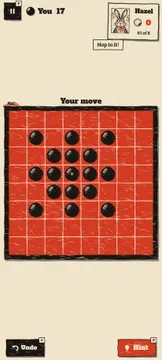
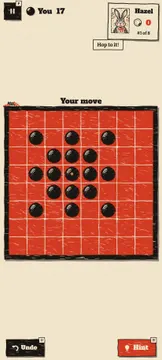
FAQ
Is Flipwood: Reversi free to play?
Yes. Flipwood: Reversi is free to play in a browser on SalutGames, with no download and no account needed.
How do you win at Flipwood: Reversi?
Finish the game with more discs of your color than the rival. The game ends when neither player has a legal move, then all black and cream discs are counted.
What makes a move legal in Flipwood: Reversi?
A new black disc must trap at least one straight line of cream discs between itself and another black disc. Lines may be horizontal, vertical or diagonal.
What happens if you cannot move in Flipwood: Reversi?
Your turn passes automatically if you have no legal move. If the rival still has a move, play continues; if neither player can move, the game ends.
Who moves first in Flipwood: Reversi?
You always play black and move first. The opening board begins with four discs in the center of the 8×8 grid.
How many rivals are in Flipwood: Reversi?
The Forest Trail has eight computer-controlled rivals. Beat one to unlock the next, and win by larger margins to earn up to three stars.
Can I play Flipwood: Reversi on phone and PC?
Yes. Tap or click a carved legal dot. On PC, the arrow keys select legal moves, Enter places a disc, U undoes and H requests a hint.
Does Flipwood: Reversi save progress?
Yes. Beaten rivals, stars and best winning margins are saved in this browser on this device. Clearing browser storage removes that progress.