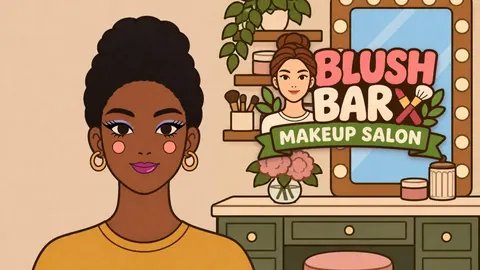



About Blush Bar: Makeup Salon
A makeup game with 12 salon appointments
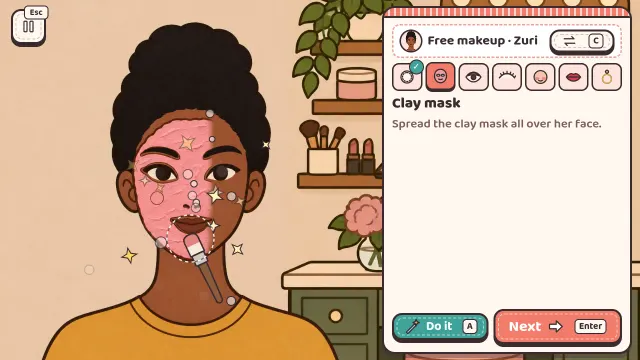
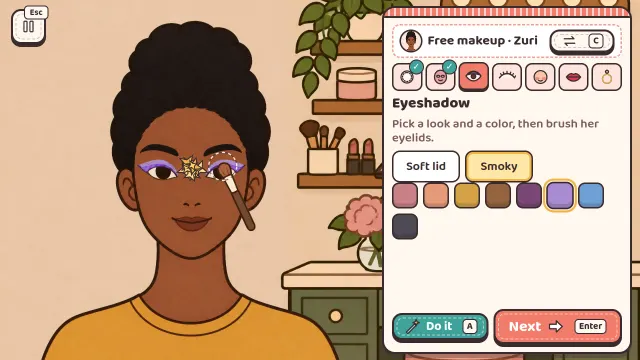
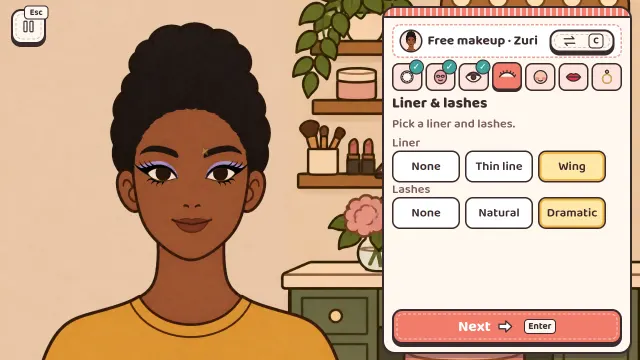
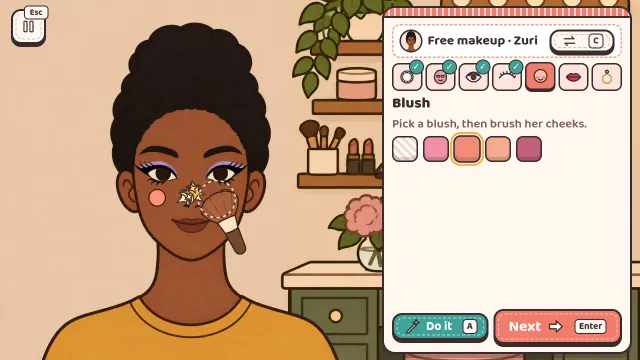
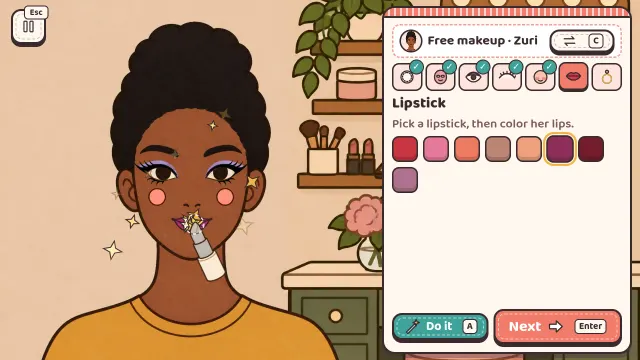
Open the appointment book and give Mila or Zuri the look she requests. Start with skin prep and a clay mask, then choose eyeshadow, liner, lashes, blush, lip color, and earrings. Drag the tool over the marked area or use Do it for brush steps.
Match the request and earn tips
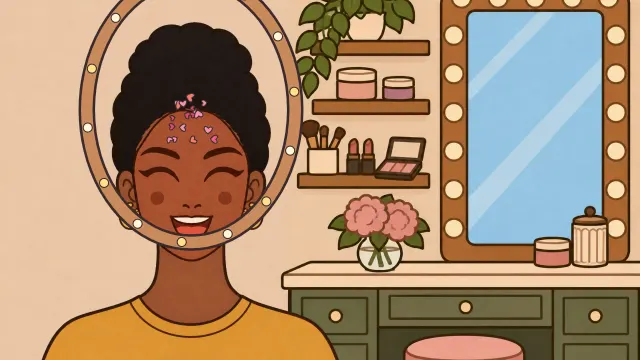
The request card tracks the details you match. See the finished makeup in the mirror, earn up to three stars, and spend tips on more colors or styles. Clearing one appointment unlocks the next.
Try a new look in Free Makeup
If you like makeover games or beauty salon games, use Free Makeup to experiment with the colors and styles you own, switch clients, and take a photo of the finished makeover.
How to play
- Open the Salon and pick an appointment, or choose Free Makeup.
- Clean the face, apply the clay mask, and wipe it away when the timer finishes.
- Choose your makeup and drag over the correct areas or use Do it.
- Check the request card, then select Mirror to reveal your look.
- Earn stars and tips, and use tips to buy more options.
Controls
Tips & tricks
- Check the request card before applying a color or picking earrings.
- Tap a completed makeup step to revisit it before the reveal.
- Use the Do it button if you want help brushing on a product.
- Use Free Makeup to try color combinations before an appointment.
Screenshots
FAQ
Is Blush Bar: Makeup Salon free?
Blush Bar: Makeup Salon is free to play in your browser on SalutGames with no download or account needed.
How do you play Blush Bar: Makeup Salon?
In Blush Bar: Makeup Salon, prepare the client’s skin, apply makeup that matches the request, and choose Mirror to see the result.
What are the PC controls for Blush Bar: Makeup Salon?
In Blush Bar: Makeup Salon, drag the brush with your mouse, press Enter for the next step, press A for automatic application, and use Esc to pause.
Can you play Blush Bar: Makeup Salon on a phone?
In Blush Bar: Makeup Salon, turn your phone sideways and use touch to select colors and drag tools over the client’s face.
How many appointments are in Blush Bar: Makeup Salon?
Blush Bar: Makeup Salon has 12 appointments with Mila and Zuri, plus a separate Free Makeup mode.
How do you earn three stars in Blush Bar: Makeup Salon?
In Blush Bar: Makeup Salon, match every detail in the request card before pressing Mirror. The card shows which choices already match.
Does Blush Bar: Makeup Salon save progress?
Blush Bar: Makeup Salon saves star records, tips, unlocked makeup and settings in your browser.