







About Tiltwood: Marble Labyrinth
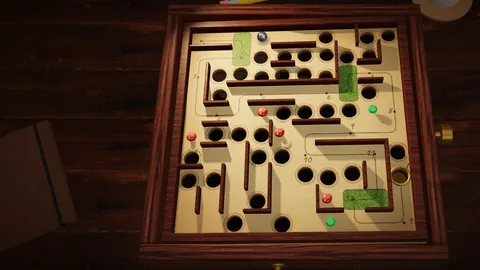
How the wooden marble maze works
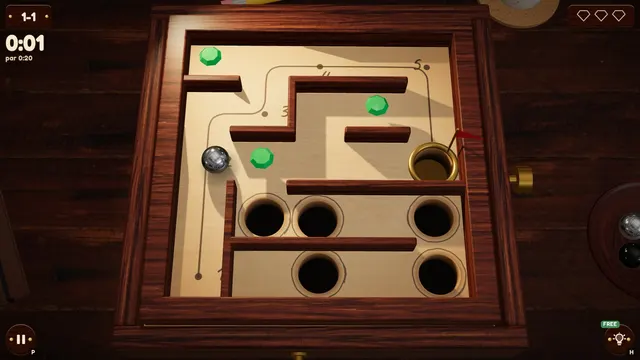
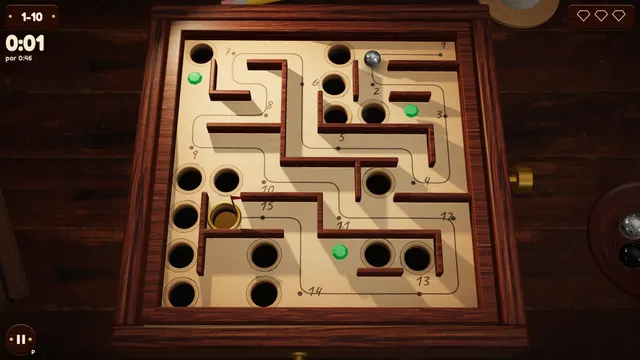
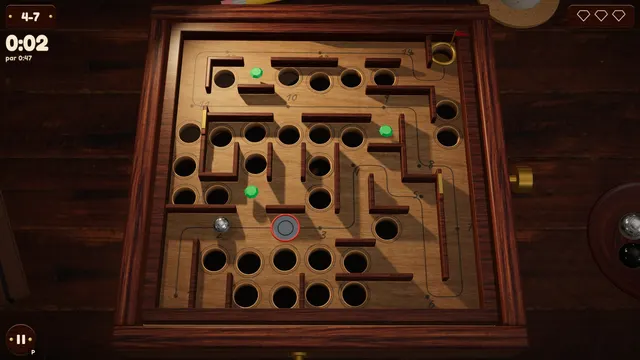
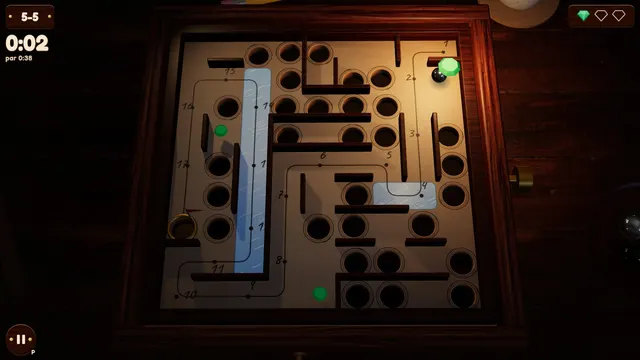
The ball keeps rolling when you release the controls. Read the numbered route, then tilt against the direction of travel to slow down before the next corner. The finish is enough for one star. To earn all three, collect the three gems and reach the goal within par.
Five boards and a daily challenge
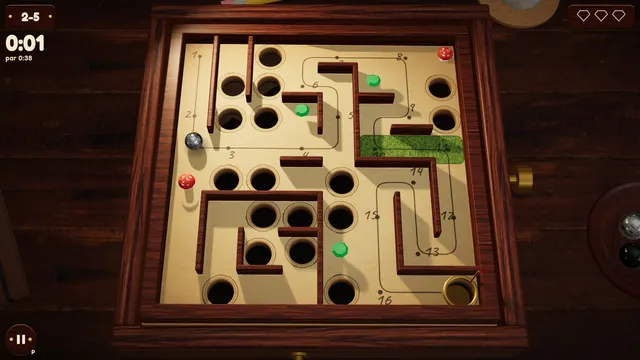
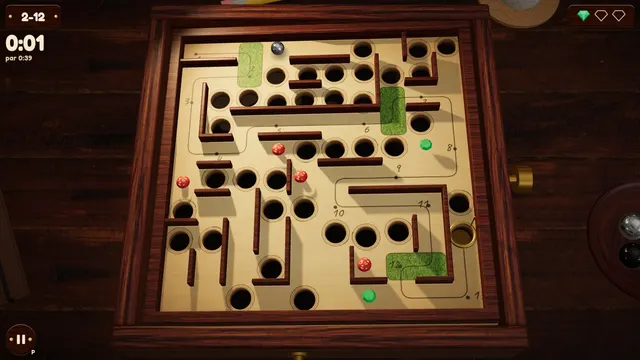
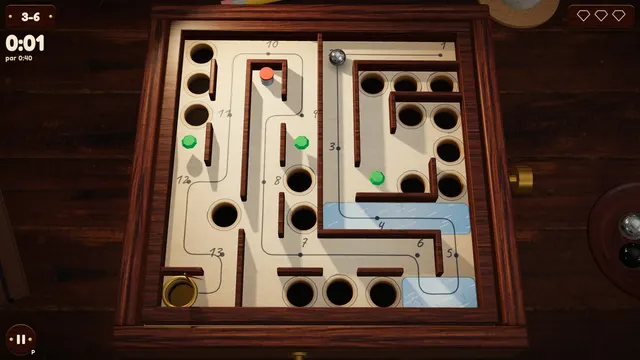
Classic Maple teaches the corners. The Garden Board adds moss and mushrooms, and the Ice Box makes stopping harder. The Workshop introduces moving parts. On the Night Board, the light around your marble helps you find the way. Each board has 12 levels. The Daily Maze has its own best time, and tokens from completed runs buy new marble skins.
How to play
- Choose Play, open Classic Maple and select the first level, or choose Daily Maze from the title screen.
- Tilt toward the next numbered dot. Ease off early and tip the board back to slow the marble near holes.
- Roll into the goal to finish. Replay for the par time or plan a route that includes all three gems.
Controls
Tips & tricks
- Hold Shift for small corrections in narrow passages.
- Take a wide line around holes. A marble moving sideways needs room to change direction.
- Learn the route on your first clear, then use the results screen to compare your time with par.
Screenshots

FAQ
Is Tiltwood free to play?
Tiltwood: Marble Labyrinth is free to play in your browser on SalutGames.
How do I finish a level?
In Tiltwood: Marble Labyrinth, roll the marble into the marked goal while avoiding the holes.
How do the three stars work?
Tiltwood: Marble Labyrinth awards one star for finishing, a second for meeting par and a third for collecting all three gems on that same par run.
Can I play with a keyboard or mouse?
Tiltwood: Marble Labyrinth supports WASD, the arrow keys and mouse drags. Hold Shift for a gentler tilt.
How do I control the board on a phone?
In Tiltwood: Marble Labyrinth, drag a finger to tilt. On a phone with motion sensors you can also select tilt mode and calibrate it.
What does the game save?
Tiltwood: Marble Labyrinth saves level progress, stars, best times, tokens, skins and settings in your browser on this device.