



About Blocky Obby: Sky Islands
A course for fans of obby games
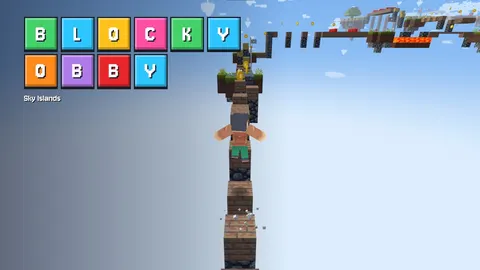
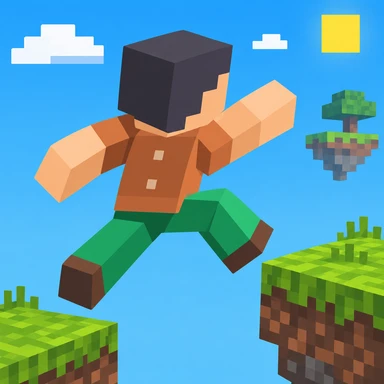
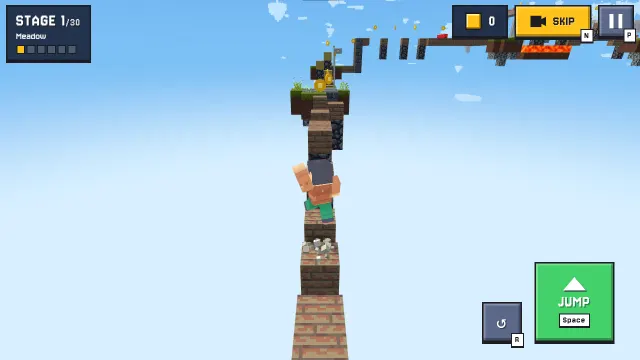
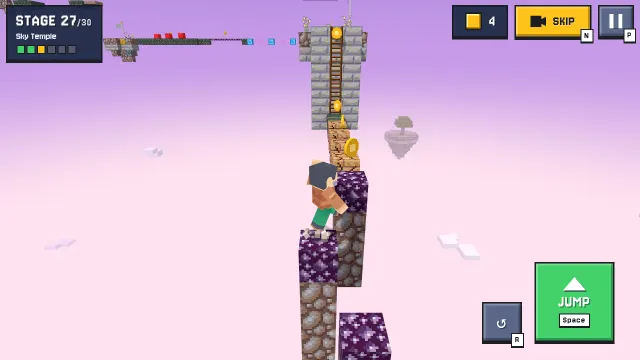
Jump from block to block and reach the next checkpoint. Meadow introduces the course before you tackle Desert, Frost, Volcano and Sky Temple. Moving, crumbling and blinking blocks change the timing of each gap.
Watch for spinners and slippery ice, climb ladders and use boost and slime pads to cross larger gaps. Gather coins as you play and spend them on skins.
How to play
- Select Play to start at the first stage or continue from your checkpoint.
- Use the camera to line up your next jump.
- Time your movement past moving blocks, spinners and gaps.
- Reach the next checkpoint to unlock another stage.
- Collect coins and visit Skins to change your character’s look.
Controls
Tips & tricks
- Wait for a moving block before jumping toward it.
- On ice, leave room to slow down before the edge.
- Use the camera to line up your landing when the path changes direction.
- Play from a checkpoint to practice a difficult section again.
Screenshots
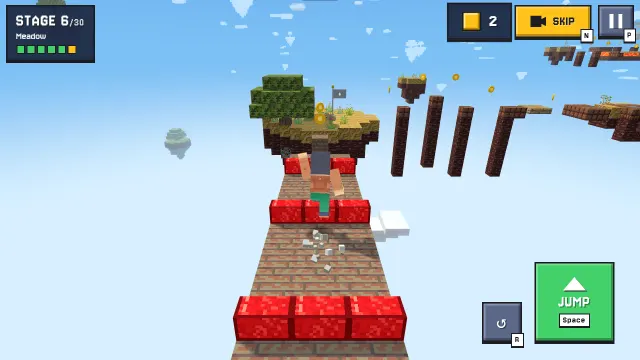
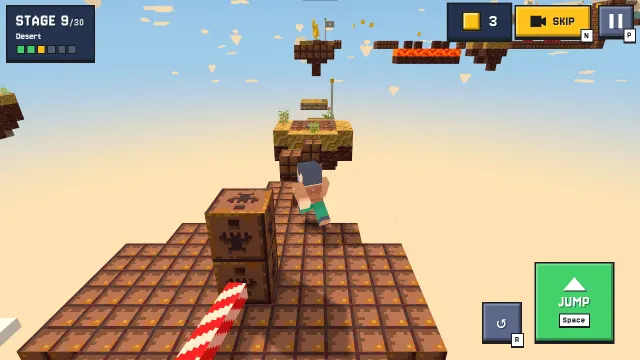
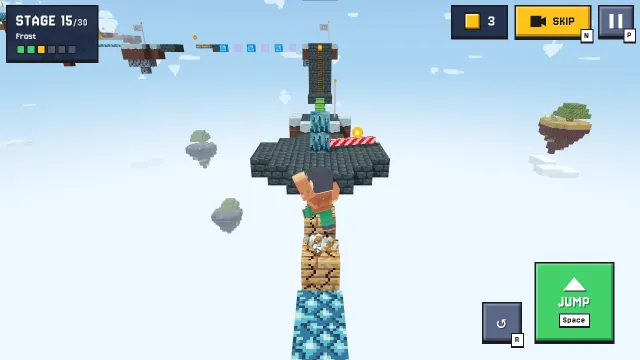
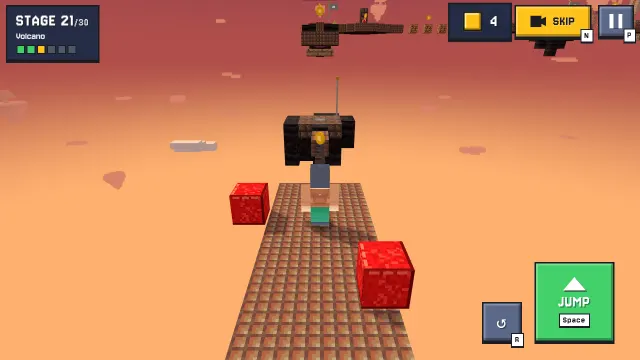
FAQ
Is Blocky Obby: Sky Islands free?
Blocky Obby: Sky Islands is free to play in your browser on SalutGames without downloading the game or creating an account.
How do you play Blocky Obby: Sky Islands?
In Blocky Obby: Sky Islands, move and jump across the obstacle course to reach checkpoints and unlock the next stages.
What are the PC controls for Blocky Obby: Sky Islands?
In Blocky Obby: Sky Islands, move with WASD or the arrow keys, jump with Space, and drag with the mouse or use Q and E to turn the camera.
How do you play Blocky Obby: Sky Islands on a phone?
Blocky Obby: Sky Islands uses a touch joystick for movement, a Jump button, and camera dragging on the right side of the screen.
How many stages are in Blocky Obby: Sky Islands?
Blocky Obby: Sky Islands has 30 stages across Meadow, Desert, Frost, Volcano and Sky Temple.
How do you handle ice in Blocky Obby: Sky Islands?
In Blocky Obby: Sky Islands, start slowing down before reaching the end of ice because the character slides after you change direction.
Does Blocky Obby: Sky Islands save progress?
Blocky Obby: Sky Islands saves checkpoints, coins and skins in your browser so you can continue on the same browser and device.