Chromebook Gaming in 2026: What Runs and What Doesn't

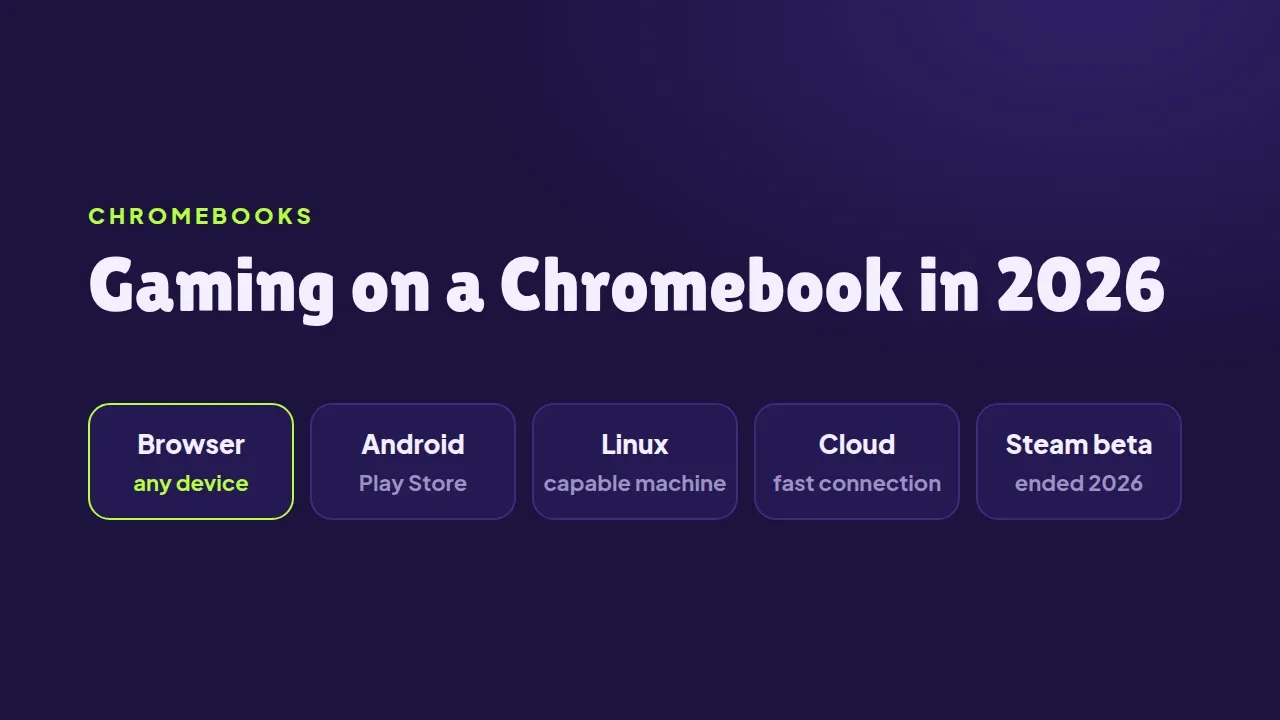
On 1 January 2026, the beta that let some Chromebooks run Steam ended. A notice shown to owners months earlier was blunt about it: after that date, "games installed as part of the Beta will no longer be available to play on your device". Google pointed Chromebook owners to three other routes instead: apps from the Google Play Store, apps through the Linux subsystem, and games streamed from the cloud.
That leaves Chromebook gaming in 2026 with a clear shape. Some of it runs on the device, some of it runs somewhere else, and one kind of game runs on practically any Chromebook: the browser game.
What runs, and where
| Route | Runs on | Needs |
|---|---|---|
| Browser games | the Chromebook | a browser, nothing else |
| Android games | the Chromebook | Play Store support on the device |
| Linux games | the Chromebook | Linux turned on, a capable machine |
| Cloud gaming | a server | a fast, steady connection |
Browser games are the only route with no requirement beyond the browser itself. That matters most on school laptops, which are often managed, locked down and modest in hardware.
What a Chromebook can handle
Chromebooks vary enormously. In October 2023 Google introduced a higher tier called Chromebook Plus, with minimum specifications of an Intel Core i3 12th Gen or AMD Ryzen 3 7000 processor, 8 GB of memory, 128 GB of storage and a Full HD screen.
They also last longer than they used to. In September 2023 Google announced that Chromebook platforms would get automatic updates for 10 years. From 2024, Chromebooks released from 2021 onward receive that automatically, and owners of older models can opt in. An older, slower Chromebook can stay in use, and stay up to date, for a long time.
How the SalutGames games fit
The games on SalutGames fit those machines well:
- They run on anything with a browser. All thirteen draw with Canvas 2D, the plain drawing surface every Chromebook browser supports. None needs WebGL, WebGPU or WebAssembly.
- They are small. Ten of the thirteen download less than 2.1 MB, and the smallest, Lost Corridors, is 90 KB.
- They work with a keyboard. Eleven of the thirteen can be played from the keyboard, and Gravibot and Trap Castle also read a gamepad. On a touchscreen Chromebook, touch works too.
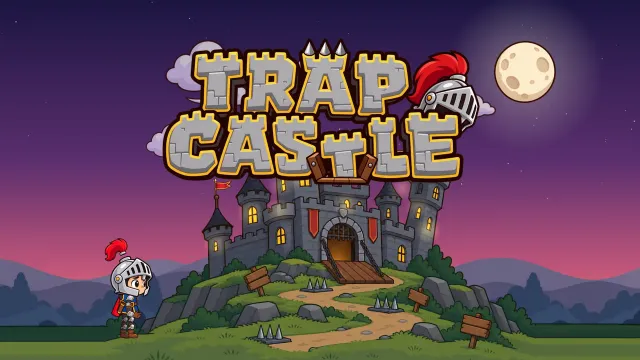
- Five also exist as Android apps. Dot Box Duel, Rondo, Skyhook, Tap Burst and Trap Castle are on Google Play, for Chromebooks that run Play Store apps.
School Chromebooks
Two things are worth knowing on a school device. The first is that schools can switch on ephemeral mode, a ChromeOS setting that wipes local user data when the student signs out, game saves included. Progress that disappears every day on a school Chromebook and nowhere else is almost always this setting, and no website can work around it.
The second is that a school's content filter decides what loads at all. That is the school's choice, and it applies to every site the same way.
The short version
In 2026, a Chromebook can play games four ways, and only one of them asks for nothing: no store, no Linux, no fast connection and no particular hardware. Browser games start in a tab, on any Chromebook, the moment the page opens.
Sources
- PCWorld, Support for the Steam gaming platform is cancelled on Chromebooks, 8 August 2025
- Google, Chromebooks will get 10 years of automatic updates, 14 September 2023
- TechCrunch, Chromebook Plus minimum specifications, 2 October 2023
- Google, Ephemeral mode, Chrome Enterprise and Education Help
- SalutGames: the live files of all 13 games, checked in October 2026