Playing Browser Games on Your Phone: A Few Things That Help

Pressing Play on a phone at SalutGames does more than start the game. The page checks whether it's running on a touch screen whose shorter side is under 820 pixels. If it is, the game opens over the whole page, asks the browser for fullscreen, and asks to lock the screen to the way that game is meant to be held. If the browser says no to either request, the game simply carries on inside the page.
Those requests can fail for ordinary reasons. Fullscreen only works when it follows a tap, and MDN's documentation notes that orientation locking is typically only allowed on mobile devices while the page is fullscreen. Neither feature works in every major browser yet. That's why the game page also has its own Fullscreen button, for when the automatic request didn't stick.
Which way to hold it
| Held upright | Turned sideways |
|---|---|
| Block Drop | Gravibot |
| Dot Box Duel | Last-Second Landing |
| Gravity Lab | Lightkeeper |
| Lost Corridors | Trap Castle |
| One Tap Hero | |
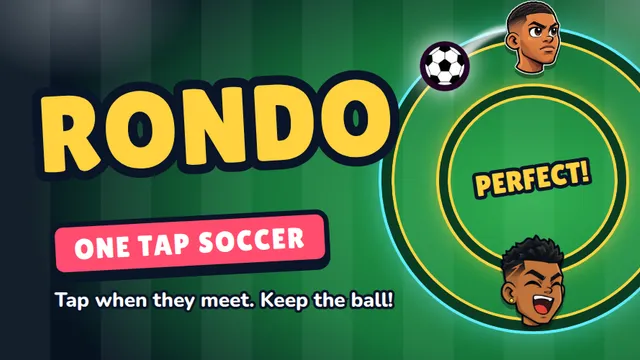
| Rondo | |
| Silent Maze | |
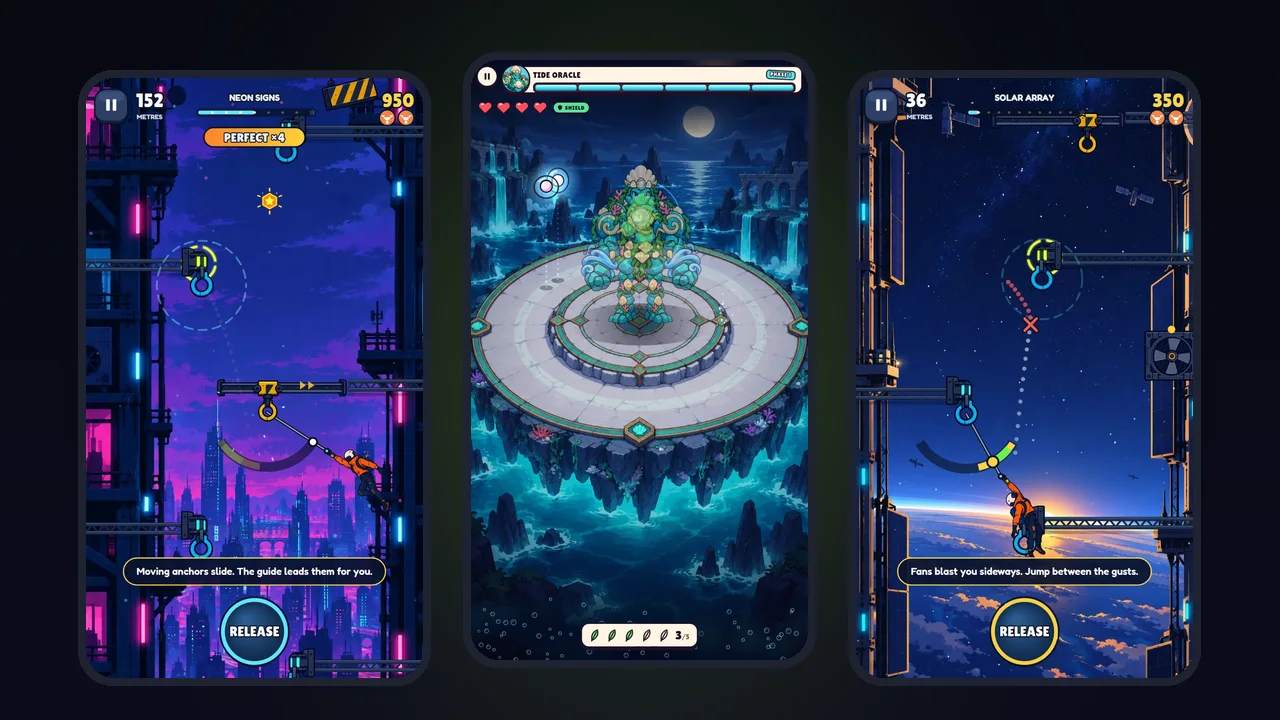
| Skyhook | |
| Tap Burst |
Nine of the thirteen games are made for a phone held upright and one thumb. The four sideways games are the ones that need two hands or a wide view: the two platformers, the lighthouse and the landing. Last-Second Landing and Lightkeeper ask to be rotated if they're opened upright. If the phone's rotation lock is on, the sideways games stay small until it's turned off.
What every game does on a phone
All thirteen games handle the same four details, checked in their live files:
- Notches and rounded corners. Every game reads the screen's safe areas, so nothing important sits under a camera cutout or the home bar.
- Sharp pixels. Every game sizes its canvas to the screen's pixel density, so it isn't blurry on a high-resolution display.
- No stray gestures. Every game page turns off pinch zoom and tells the browser that touches belong to the game, so a fast swipe doesn't scroll the page.
- Pausing in the background. Every game notices when its tab is hidden. Skyhook, for example, pauses and silences itself the moment another app takes over, and the climb waits on the pause screen until the player is back.
A few things that help
A tap before any sound. Browsers don't let a page start audio by itself, so every game stays quiet until the first touch. A game that seems silent usually just hasn't been tapped yet.
The home screen. Adding the site to the home screen makes it open like an app: through the browser menu on Android, and through Share and then "Add to Home Screen" in Safari on an iPhone. On iOS the home screen version keeps its own storage, separate from Safari, so progress made in one doesn't appear in the other. More on that in why browser games lose progress.
Mobile data. Ten of the thirteen games download less than 2.1 MB, and Lost Corridors needs only 90 KB. The heaviest is One Tap Hero at 5.4 MB. The full numbers are in how fast SalutGames games load.
One hand or two. The upright games are designed so the action fits under one thumb, and in the one-button games a tap anywhere that isn't a button counts. The sideways platformers put their controls below or beside the action, so thumbs don't cover the part of the level that matters.