Snowboarding and Skiing Games to Play Free Online

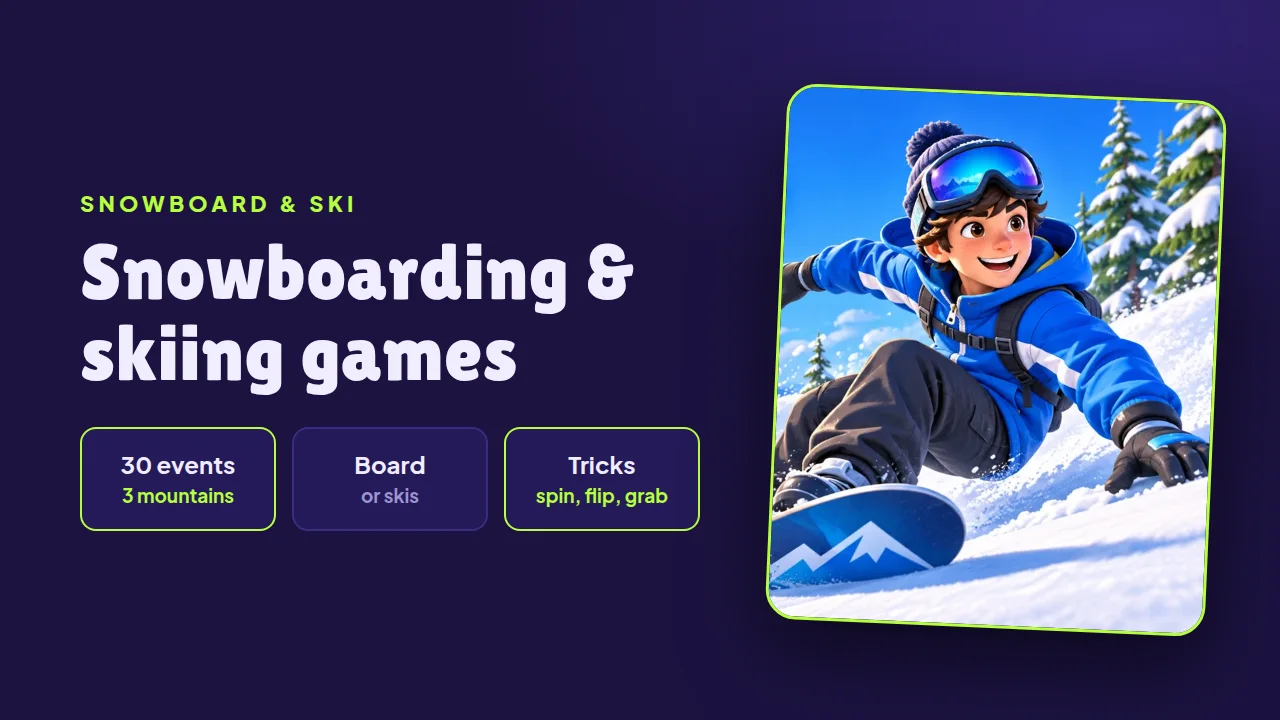
The free snowboarding game you can play right now is Bluebird Peak: Snowboard & Ski. It runs in your browser with no download and no account, on a PC, a Chromebook or a phone, and you can ride every event on a snowboard or on skis. Press play below, or read on for the controls and the tricks that score the most points.

What's in Bluebird Peak
There are 30 events on three mountains, and every event has three stars to win:
| Mountain | What it's like | Opens at |
|---|---|---|
| Bluebird Bowl | a sunny resort under a clear blue sky | from the start |
| Pinecrest Ridge | tree runs, moguls and parks in golden evening light | 18 stars |
| Storm Summit | steep runs in a whiteout and the biggest jumps of all | 42 stars |
The events come in six kinds:
- Snowflake Hunt: collect the snowflakes on the way down.
- Slalom: carve through the gates.
- Race: beat the other riders to the finish arch.
- Slopestyle: score tricks on kickers and rails.
- Big Air: one huge jump, one big trick.
- Avalanche: outrun the snow that's coming down behind you.
Coins from your runs buy 6 snowboards, 4 pairs of skis and 10 outfits in the gear shop.
Snowboard or skis?
Both. Choose Snowboard or Ski before any event, or pick your board or skis in the Gear shop. The tricks work the same way on both.
Controls
| Action | Keyboard | Phone |
|---|---|---|
| Carve left / right | A / D or ← → | drag the left side of the screen |
| Tuck (go faster) | W or ↑ | TUCK button |
| Brake | S or ↓ | pull down |
| Jump | hold Space, then let go | JUMP button |
| Spin in the air | ← → | left / right |
| Flip in the air | ↑ ↓ | up / down |
| Grab | J or Shift | GRAB button |
On a phone, turn it sideways.
How to go faster
- Carve, don't skid. Smooth turns keep your speed. Sliding the board sideways throws up snow and slows you down.
- Tuck on the straights. Hold W or TUCK whenever the run is straight.
- Hit kickers straight. Ride onto the ramp with the board pointing down the run.
How to do tricks
- Get air. Ride off a kicker, or hold Space and let go to pop off the snow.
- Spin or flip. In the air, press left or right to spin and up or down to flip.
- Grab. Hold J (or GRAB). A grab held for over a second is worth much more, and spinning while you grab is worth even more.
- Land straight. Stop spinning a moment before you touch down so the board lands straight down the hill, forwards or backwards. Landing sideways or upside down is a wipeout.
- Chain them. Land the next trick or rail within a few seconds to keep the combo going, up to ×4.
Two tricks that pros use too:
- Ride switch. A 180 or a 540 lands you riding backwards. Take off backwards on the next jump and the trick scores a bonus.
- Slide the rails. Ride straight onto a rail to slide it, and jump to pop off.
Why you wipe out on landing
The board has to land straight down the hill. If you're still spinning or upside down when you touch the snow, you fall. Let go of the spin a little earlier, and keep jumps you can't finish small.
In avalanche events, don't go for big tricks: every fall costs seconds while the snow keeps coming.
More winter games
- Throttle Kings: Dirt Bike: one of its five locations is Frozen Ridge, a snowy motocross track.
- Golden Hour Rush: a calm drive with a Snowy Pass road.
- Lakeland Wings: fly a bush plane over the valley in summer, autumn or winter.
More 3D games: free 3D games you can play in your browser.
Questions
Is there a free snowboarding game I can play online?
Yes. Bluebird Peak: Snowboard & Ski is free in your browser, with nothing to download and no account.
Can I ski instead of snowboard?
Yes. Every event can be ridden on skis or a snowboard.
How do I do tricks in a snowboarding game?
Jump off a kicker, press left or right to spin and up or down to flip, hold the grab button, and stop spinning before you land so the board touches down straight.
How many events are there?
30 events on three mountains: snowflake hunts, slalom, races, slopestyle, big air and avalanche escapes.
Can I play it on my phone or a Chromebook?
Yes. On a phone, turn it sideways and drag the left side of the screen to carve. On a Chromebook it runs in Chrome.