Browser Games vs App Store Games: Which Is Better for You?

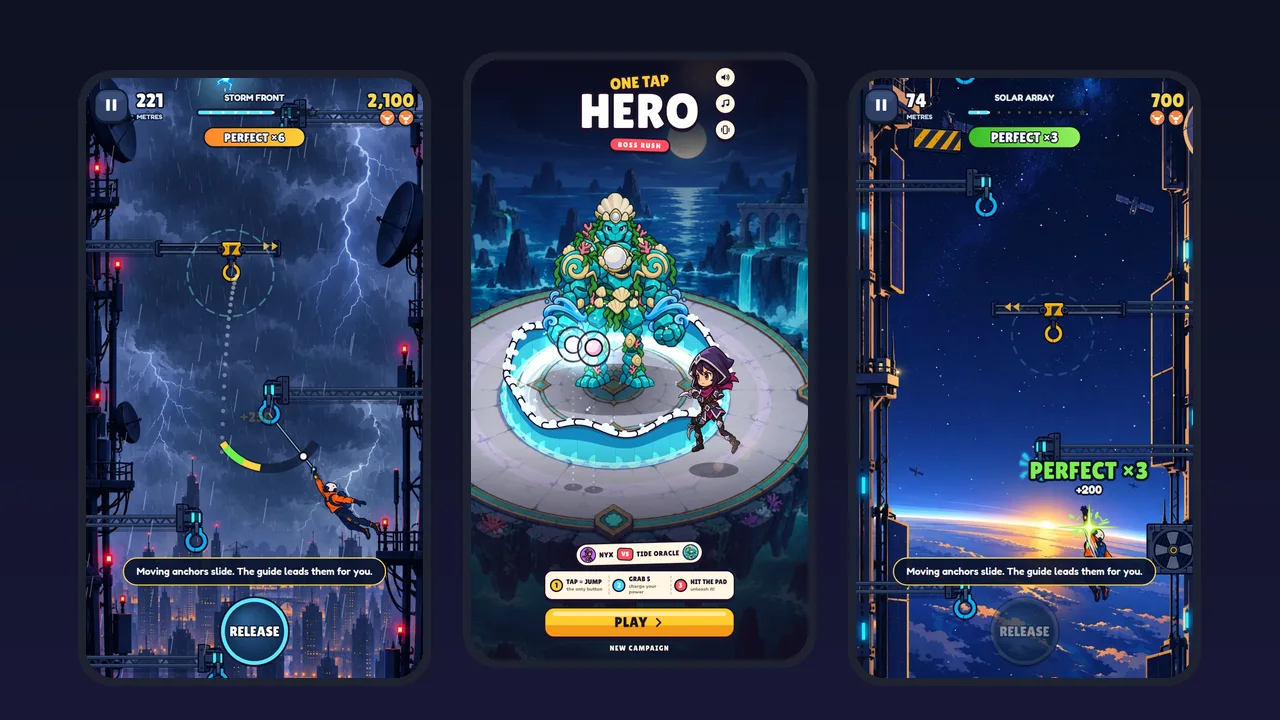
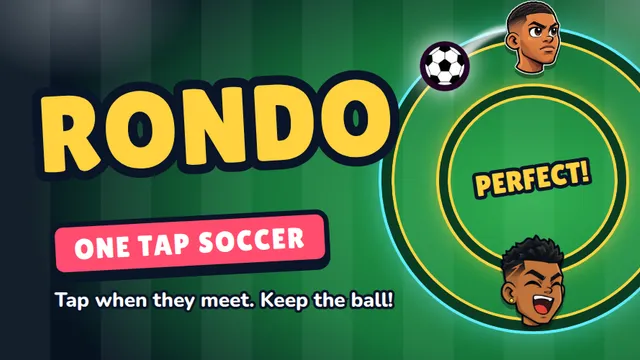
Five SalutGames games exist twice: once on salutgames.net and once as an Android app on Google Play. Dot Box Duel, Rondo, Skyhook, Tap Burst and Trap Castle are built from the same game code in both places, so comparing the two versions of each says something fairly clean about what a browser changes and what an app changes, without a different game getting in the way.
The download
| Game | Browser | Android app |
|---|---|---|
| Dot Box Duel | 124 KB | 12.2 MB |
| Skyhook | 1.0 MB | 5.5 MB |
| Trap Castle | 2.8 MB | 7.8 MB |
| Rondo | 4.6 MB | 9.9 MB |
| Tap Burst | 2.0 MB | 15.7 MB |
The browser column is what each game actually downloaded when opened from the site in a test in October 2026. The app column is the size of each game's Android release build from early October. Google Play can trim what reaches a particular phone, so the store download may be somewhat smaller, but the gap is real.
It comes from what each version has to carry. The browser version relies on a browser that is already installed, and downloads only the game. An app has to bring its own way of running that game inside Android, plus the services an app needs, such as analytics, and in some cases ads. Dot Box Duel shows the effect most clearly: a game of 124 KB in the browser becomes an app of about 12 MB.
What the browser does better
Starting. There is no install step. In the speed test, the median SalutGames game showed its first frame 0.77 seconds after its link was opened.
Being current. A browser game is always the latest version. An app updates when the store and the phone get round to it.
Reaching every device. None of the five has an iPhone app. On an iPhone, the site's app links lead straight to the browser version, which is the same game.
Leaving nothing behind. Closing the tab is the whole uninstall.
What the app does better
Playing offline. The app carries its game files inside it, so the game itself doesn't need a connection once installed. A browser game has to be downloaded the first time it's opened.
Living on the home screen. An app has its own icon and opens without a browser around it. A browser game can get close to this through the browser's "Add to Home Screen" option, but it is still a web page underneath.
Feeling like the phone's own software. Apps can use things the phone offers apps directly, such as asking for a store rating at a natural moment.
Two things that catch people out
Saves don't move between versions. The app and the browser each keep their own save, on the same phone, and they never meet. Moving from one to the other means starting the progress again.
The games are not different games. The core game is the same code in both versions, so the levels and rules are the same. Choosing between the two is about the download, the device and whether the game should live on the home screen, not about which version is better to play.
Which one, then
For a quick game on a break, or on an iPhone, the browser wins: nothing to install, and the game starts in under a second on a decent connection. For someone who plays the same game every day, often without signal, the app is worth its extra megabytes.