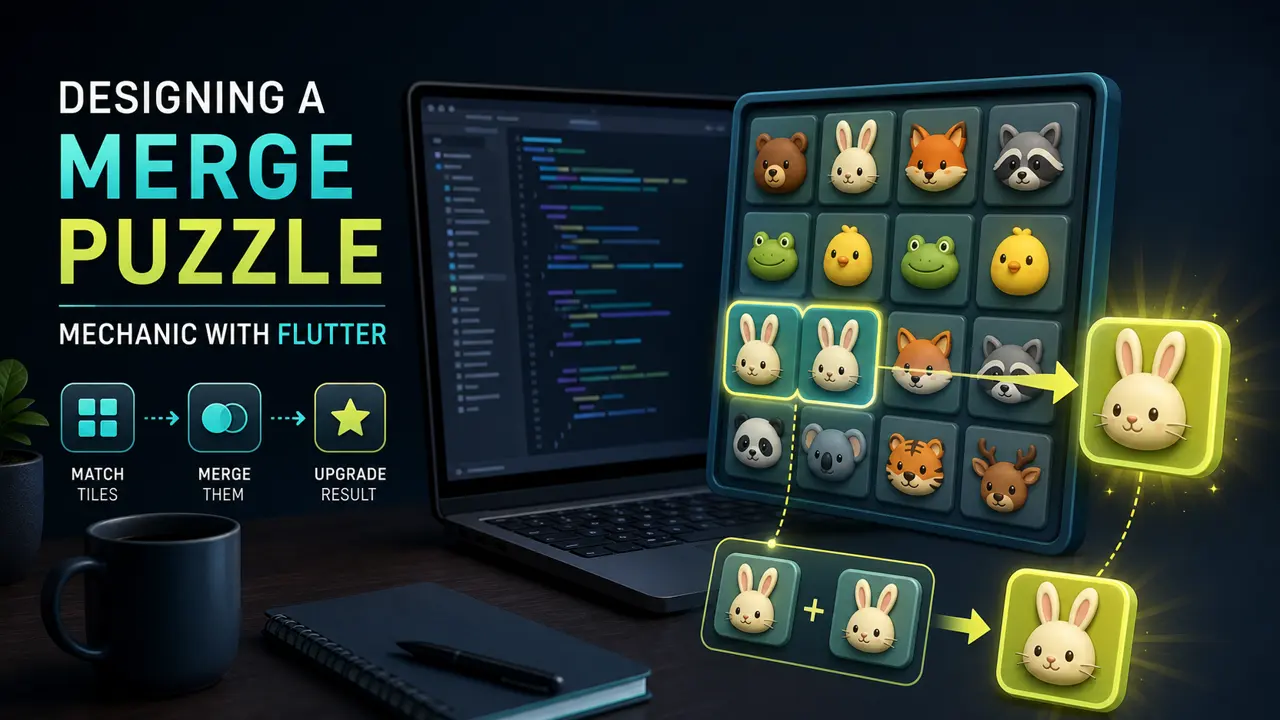
This tutorial builds the core logic behind an animal merge puzzle. The model is deliberately independent from the UI, so it can be tested before animation is added. For Flutter fundamentals, keep the official Flutter documentation nearby.
1. Model a piece and cell
class Piece {
  const Piece(this.level);
  final int level;
}

class Cell {
  Piece? piece;
  Cell([this.piece]);
}
A level identifies the animal tier. Presentation data—sprite, name, and sound—belongs in a separate catalog. That keeps game rules easy to test.
2. Make the board the source of truth
class MergeBoard {
  MergeBoard(this.rows, this.columns)
      : cells = List.generate(rows * columns, (_) => Cell());

  final int rows;
  final int columns;
  final List<Cell> cells;

  int index(int row, int column) => row * columns + column;
}
Use one coordinate convention everywhere. A flat list is convenient for serialization, while the index helper preserves readable row-and-column calls.
3. Validate before mutating
bool canMerge(Cell from, Cell to) {
  return from.piece != null &&
      to.piece != null &&
      from.piece!.level == to.piece!.level;
}
Return early for invalid input. When a merge succeeds, capture the source and destination first, then update both cells in one operation. This prevents a frame from displaying half of a move.
4. Resolve the upgrade
void merge(Cell from, Cell to) {
  if (!canMerge(from, to)) return;
  final nextLevel = to.piece!.level + 1;
  from.piece = null;
  to.piece = Piece(nextLevel);
}
5. Animate from state A to state B
Let the controller emit a merge event containing both coordinates and the new level. The widget layer can slide the source, scale the destination, and play particles while the authoritative board already contains the result. Disable another move only for the shortest necessary interval.
6. Test the rules
- Different levels cannot merge.
- An empty cell cannot merge.
- A valid merge clears the source.
- The destination advances exactly one level.
- The move does not mutate unrelated cells.
Once the model is solid, move rendering and effects into a game engine with our Flutter and Flame tutorial.