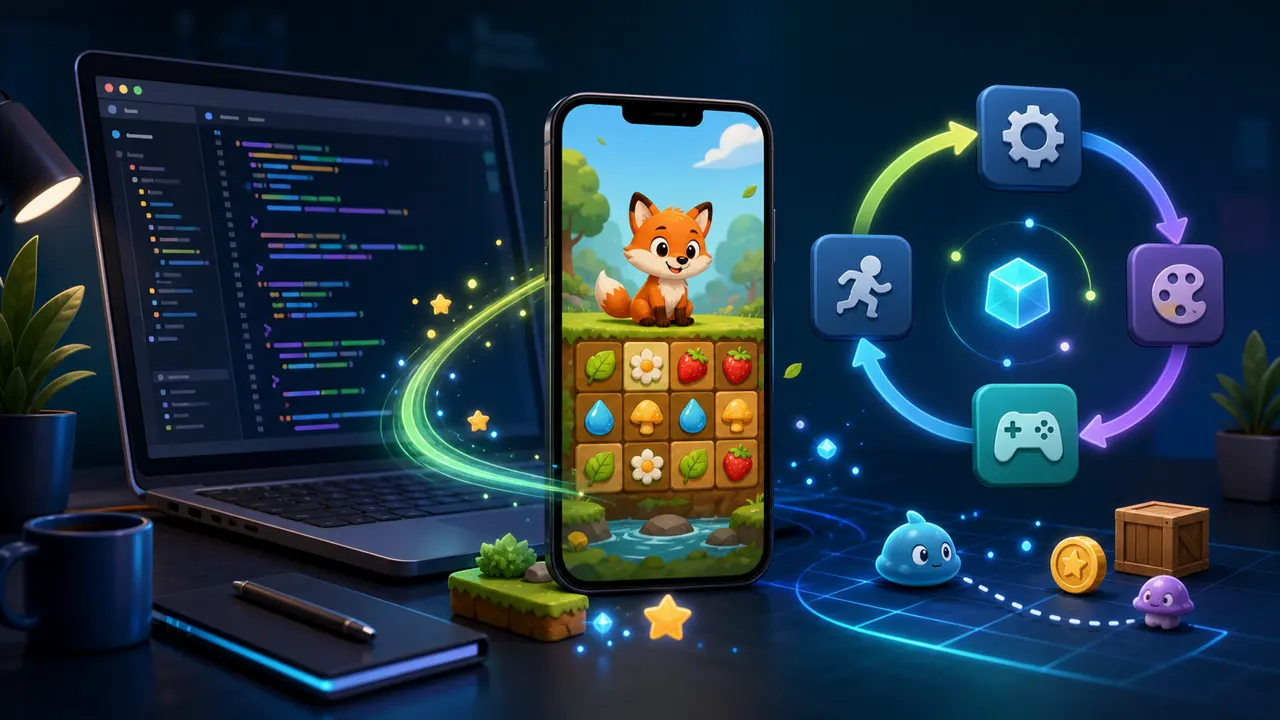
Flame adds a component system, game loop, input, collision tools, effects, and asset helpers to Flutter. This tutorial creates a small foundation suitable for a puzzle or character game.
1. Create the project
flutter create cozy_game
cd cozy_game
flutter pub add flame
2. Add a FlameGame
class CozyGame extends FlameGame {
  @override
  Future<void> onLoad() async {
    await images.loadAll(['animals/capybara.png']);
    add(WorldComponent());
  }
}
onLoad is the place for asynchronous setup. Preload essential textures before adding components that depend on them.
3. Put the game inside Flutter
void main() {
  final game = CozyGame();
  runApp(MaterialApp(home: Scaffold(body: GameWidget(game: game))));
}
Flutter still controls navigation, menus, account screens, and accessibility-friendly interfaces. Flame owns the real-time game canvas.
4. Build with components
class WorldComponent extends PositionComponent {
  @override
  Future<void> onLoad() async {
    add(SpriteComponent(
      sprite: await Sprite.load('animals/capybara.png'),
      size: Vector2.all(96),
    ));
  }
}
Give each component one clear responsibility. A board manages cells, an animal presents one piece, and a controller validates game rules. Avoid placing every behavior in the main game class.
5. Handle input as intent
Translate a tap or drag into a command such as “select cell” or “move piece.” Validate that command in the game model, then animate the accepted result. This separation keeps touch gestures from corrupting state.
6. Use Flutter overlays
Flame overlays let a game display regular Flutter widgets for pause menus, goals, and results. They are especially useful for text, forms, and responsive controls.
7. Keep the frame smooth
- Load and resize images for their real display size.
- Reuse components and effects when practical.
- Keep allocation out of repeated update methods.
- Profile on a physical mid-range phone.
The official Flame documentation and Google’s Flutter/Flame codelab are excellent next references. To add a designed world, continue with the Tiled maps tutorial.